Make.com Automation Development
Visual scenarios for complex, multi-system flows.
Make is where we build automation that has to branch, loop and reshape data across several systems. We design the scenarios, test them with real records and monitor them after launch.
Why Choose GetAIChatBots for Make.com Automation
Make.com automation development is the right route when a workflow has to do more than pass one record from A to B: split an order into line items, branch by customer type, merge results and write to several systems. Make is a visual platform where each workflow is a scenario you can see and follow. GetAIChatBots builds Make scenarios for teams that need that depth, adding AI steps where they help and monitoring where they matter. We also build on Zapier, n8n, Pabbly and Power Automate, so we pick Make only when its strengths apply.
The simple tool hit its limit.
Linear automations are fine until an order has ten line items, a customer sits in two systems, or a report needs data from four sources reshaped into one table. Then the workaround Zaps multiply, the cost per task creeps up, and the logic becomes impossible to read. The answer is a platform designed for branching and data handling, built cleanly from the start. Make is flexible, and it stays dependable when every scenario has error handling, alerts and a clear owner.
- Workaround chains built to fake loops and branches
- Data that needs reshaping before the next app accepts it
- Scenarios nobody can read or safely change
Three steps from whiteboard to scenario.
Draw the data path
We sketch where each record starts, what it must become and where it must end up, including the exceptions that usually break automations.
A one-page diagram is agreed before any module is placed, so everyone sees the same flow. We also check volume and operation limits so the plan fits your Make plan.
- Source, transformation and destination mapped
- Exceptions and edge cases listed
- Volume and plan limits checked
Build the scenario
Routers, iterators, aggregators and data stores are assembled in your Make account and run against real sample records, with error routes on every risky module.
The scenario is built in small, tested pieces and run on real records, including the awkward ones. Each risky module gets its own error route, so one bad record does not stop the rest.
- Built and tested in small pieces
- Awkward real records included in tests
- An error route on every risky module
Monitor and document
Alerts reach Slack or Teams, run history is kept, and a diagram of each scenario is written so your team can follow it later.
You see failures the same day, with the module and record named. The diagram stays with you, so a new team member can follow how the scenario works.
- Failure alerts to Slack or Teams
- Run history kept and reviewed
- A diagram for every scenario
What we build on Make.com.
Multi-step scenarios with filters, routers and error branches
Scenarios that take different paths for different records, with a safe route when something fails.
- Routers and filters
- Error branches on risky modules
- Clear naming so it stays readable
Iterators and aggregators for line items, lists and batch records
Orders, lists and batches are split, processed and put back together correctly.
- Line items handled one by one
- Totals and lists rebuilt
- Batch records processed in order
Data stores for lookups, de-duplication and simple state
A small built-in store remembers what already happened, so records are not processed twice.
- De-duplication of repeated records
- Lookups without extra tools
- Simple status tracking
AI steps that call OpenAI or Claude to classify, summarize or draft
AI reads and prepares, and people stay in control of what customers receive.
- Classify requests and documents
- Summaries for long text
- Draft replies for approval
Slack or Teams alerts for failures, with retries and a run log
Problems reach a person quickly, with the run history needed to fix them.
- Alert names the scenario and module
- Automatic retries for temporary errors
- Run log kept for review
Dashboards showing runs, errors and hours saved, plus a handover diagram
A visual record of what the automation does and the value it returns.
- Runs and errors by scenario
- Estimated hours saved
- A diagram of each scenario
Workflows we build on Make.com.
Four typical Make.com workflows. Open our case studies to see real projects.
See what we have built.
Real projects, with the tools we used and the results.
Make scenarios built to handle the awkward cases
Complex workflows break at the edges: an empty field, a duplicate customer, an app that times out. We design for those cases first. Each risky module gets an error route that logs the record and raises an alert, data stores prevent the same record being processed twice, and filters keep incomplete data from reaching your systems. Scenarios are named and annotated so the logic is readable, test runs use realistic records rather than perfect ones, and everything lives in your own Make account. When something does fail, the alert names the scenario, the module and the record involved, so a fix takes minutes instead of an afternoon of detective work.
Book a Call ↗When Make is the right choice, and when it is not.
Make is a visual automation platform where workflows are drawn as scenarios made of connected modules. Its routers, iterators, aggregators and data stores give it real strength with branching logic and data transformation, which is why it often takes over when a simpler tool starts to strain. The visual canvas also makes a complex flow easier to explain to a colleague than a long list of steps.
Choose Make when
Your workflow loops over lists, branches on conditions or reshapes data between systems, and you want a visual canvas that makes the logic easy to inspect.
Choose something else when
You want the simplest possible two-step connection, deep Microsoft 365 integration or self-hosting. We will tell you honestly if Zapier, Power Automate or n8n is the better fit.
Works with your stack.
Make works alongside other automation tools and your CRM. Here is how it pairs with the platforms we build on.
Book a Call →How Make.com compares.
A short, honest view. We build on all three, so we recommend the one that fits.
Standard scenarios
Multi-step scenarios with filters, built visually in your own Make account.
- See every step on the canvas
- Your team can read and edit them
- Best for visual multi-step flows
Scenarios with routers and HTTP calls
Routers and HTTP calls cover branching and apps without a ready-made module.
- Several paths from one trigger
- API calls to any system with an API
- Best for awkward data and edge cases
Connects to the apps you already use.
Make has a large library of ready-made modules, and any app with an API can be connected over HTTP.
Where Make fits best.
Make shines where records move between several systems and need reshaping on the way, such as Make scenarios for data teams, banking and finance, insurance and travel agencies.
Make.com automation built around your data.
The hard part of a complex automation is understanding the data, not clicking the modules. We work remotely with teams across the United States and worldwide, from our Austin, TX and Pakistan offices, and we start with the records, not the canvas.
Data first
We look at real records, including the messy ones, before designing a single module.
Readable scenarios
Clear names, notes on tricky modules and a diagram, so a colleague can follow what a scenario does.
Tested on awkward cases
Empty fields, duplicates and timeouts are tested on purpose, with alerts for anything that slips through.
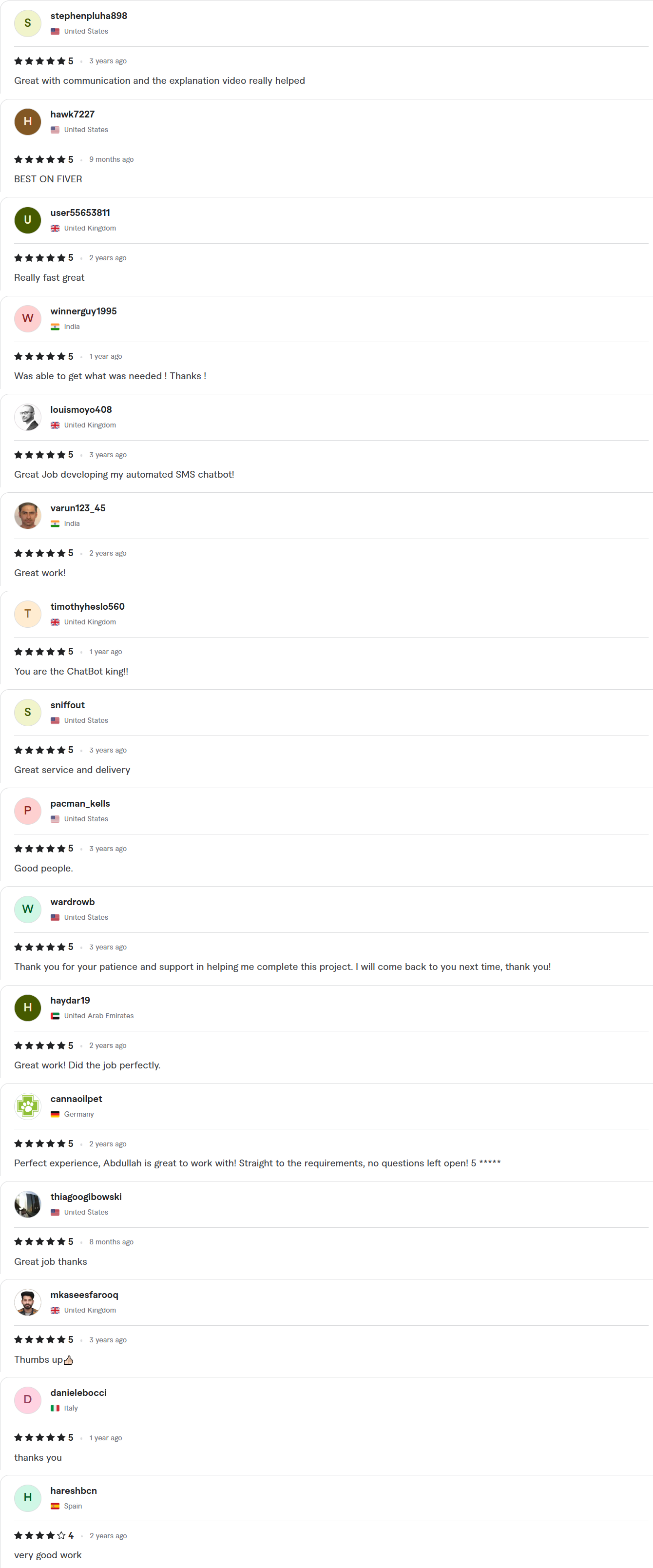
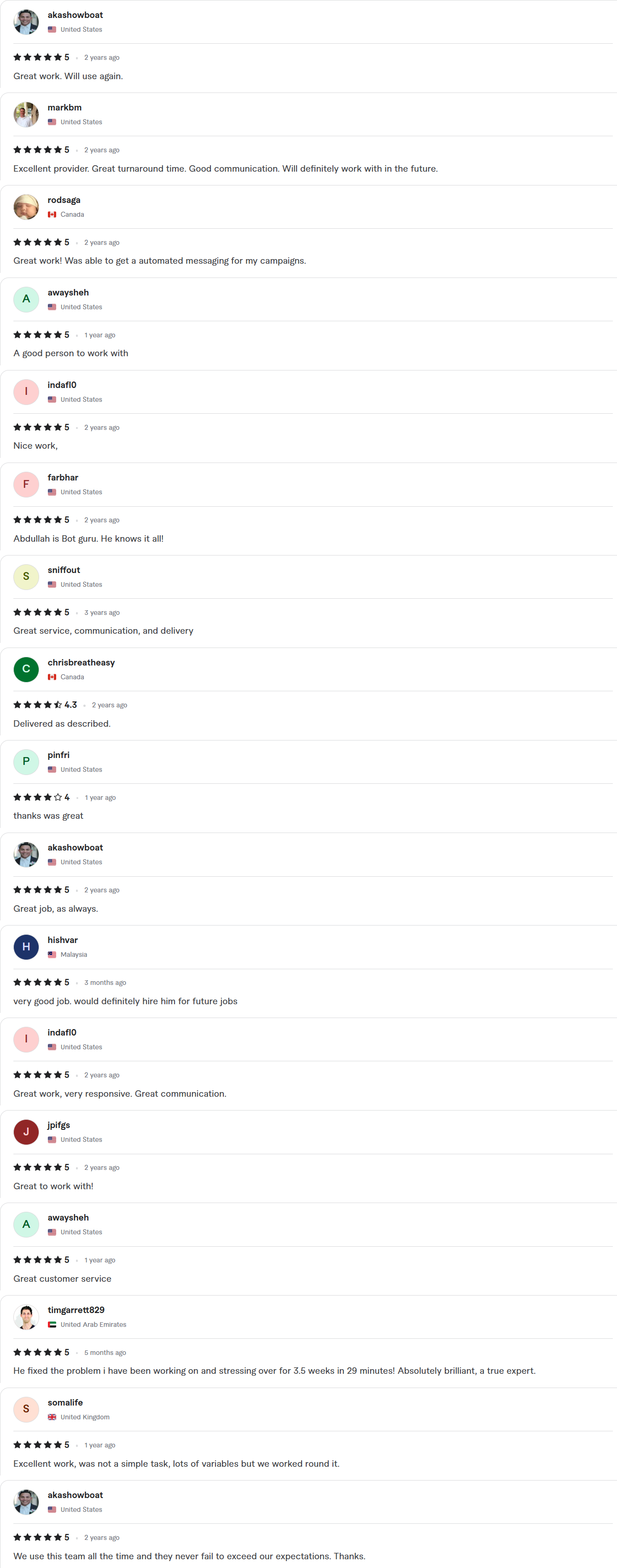
Client Reviews
5.0 average rating on Upwork and Fiverr



Answers, before you book.
Quick answers to the questions we hear most about Make.com.
Why pick Make.com over the alternatives?
Make is the right tool for complex multi-system flows where a simpler platform struggles. Iterators, aggregators and data stores let it handle lists and transformations cleanly. For a basic connection between two apps, a simpler tool can be quicker.
How fast can you ship?
Starter builds take 7–10 days, Growth builds 14 days and Enterprise builds about 30. The exact timeline is written into your fixed-scope quote, which arrives within 24 hours of your call.
Whose account is the work done in?
Yours. We work inside your Make subscription with delegated access, and you get a full handoff when the project closes.
Do you offer monthly support?
Yes. Monthly tuning retainers are available once the build is live, covering new scenarios, changes in connected apps and a review of failed runs.
Can you migrate us from another platform?
Yes. We have migrated builds from every major automation platform to Make.com and back. We rebuild each workflow, test it against real data and run both versions in parallel until the switch is safe.