LinkedIn Automation Development
LinkedIn leads and activity flowing into your CRM.
We connect LinkedIn lead forms, campaigns and content to your CRM, alerts and reports, using the tools LinkedIn allows, so no lead is lost and your team knows who to talk to.
Why Choose GetAIChatBots for LinkedIn Automation
LinkedIn is where many B2B leads start, and the work around it is often manual: exporting lead forms, copying names into the CRM and checking who engaged. GetAIChatBots builds LinkedIn workflows that move lead form entries into your CRM, alert the right person, schedule content and report on results. We use official integrations and your own data, and we do not build bots that break the LinkedIn user agreement.
LinkedIn leads sit in a download.
Lead form entries wait in an export, someone copies them into the CRM days later, and nobody knows which post or campaign brought them in. Content goes out when someone remembers, and the team cannot see what is working. We use only what LinkedIn allows, because a restricted account costs far more than any manual work it saves.
- Lead forms exported by hand
- No link between campaigns and CRM records
- Content posted when someone remembers
Three steps from LinkedIn click to CRM record.
Map the LinkedIn path
We list your lead forms, campaigns and content, and where each lead should end up.
A short call and a look at your campaigns show how leads arrive today and who follows them up. We note the fields, the owners and the rules for what counts as a qualified lead.
- Lead forms and campaigns listed
- Fields and owners noted
- Qualification rules agreed
Build and test
We build the connections in staging and test them with real form entries.
Each workflow is tested with duplicates, missing fields and out-of-hours leads. We use LinkedIn lead gen forms, the official APIs and the tools they allow, and a person approves anything sent to a contact.
- Duplicate and missing-field handling
- Official integrations only
- A review before go-live
Launch and monitor
The workflows go live with alerts when a connection fails and a view of leads by campaign.
After launch we check that every lead form entry reaches the CRM and tune the rules. Your team learns where to see campaign results and how to change a rule.
- Alerts when a connection breaks
- Leads tagged by campaign
- A written guide and a Loom walkthrough
What we build for LinkedIn.
Lead gen forms into your CRM
Every LinkedIn lead form entry lands in the CRM at once, with its campaign and source.
- Contact and company fields mapped
- Duplicates checked
- Campaign saved on the record
Instant alerts and first replies
The right person is told about a new lead at once, and a first email or message can go out.
- Slack, email or SMS alert
- A person approves the wording
- Booking link included
Lead scoring and enrichment
AI reads the form answers and the company details and scores the lead, so sales starts with the best ones.
- Role and company signals
- A short summary for the owner
- Hot and cold paths
Content scheduling and reporting
Posts are planned in one place and results are pulled into a simple weekly report.
- A content calendar that publishes
- Weekly results by email
- Top posts and campaigns highlighted
Engagement alerts for your team
Your team is told when a target account views, comments or replies, so they can act by hand.
- Alerts on account activity
- Notes added to the CRM
- Follow-up tasks created
Logs, alerts and a written handover
You always know what ran and what failed, and your team gets it all written down.
- Alerts that name the failing step
- Run history to review
- Handover document
LinkedIn workflows we build.
Four typical LinkedIn workflows. Open our case studies to see real projects.
See what we have built.
Real projects, with the tools we used and the results.
LinkedIn workflows that keep running when integrations change
LinkedIn changes its tools and limits from time to time. We build only on the integrations it offers, keep access tokens in your own accounts and refresh them before they expire, and add retries and alerts that name the failing step and the lead involved. A daily check proves that new lead form entries are still reaching the CRM, so a broken connection is found the same day.
Book a Call ↗When LinkedIn automation is the right choice, and when it is not.
LinkedIn automation here means connecting your lead forms, campaigns and content to your CRM and alerts. It does not mean bots that send mass messages or visit profiles, which LinkedIn restricts and which can put your account at risk.
Choose LinkedIn automation when
You run lead forms or campaigns and need every lead in the CRM quickly, with clear reporting.
Choose something else when
You want mass outreach bots. We do not build those, because they risk your account. Email and WhatsApp workflows may fit better.
Works with your stack.
We connect LinkedIn to your CRM through n8n, Make, Zapier, Pabbly and Power Automate. Here is where each one fits.
Book a Call →Which platform fits LinkedIn workflows?
A short, honest view. We build on all three, so we recommend the one that fits.
Lead forms and official tools
Lead gen forms and the official integrations carry leads into your CRM.
- Safe for your account
- Reliable and supported
- Best for lead capture and reporting
Manual outreach with alerts
Your team contacts people by hand, helped by alerts, notes and tasks.
- A real person sends every message
- No risk of account limits
- Best for high-value accounts
Connects to the apps you already use.
LinkedIn workflows connect lead forms to your CRM, email and messaging tools, and any app with an API can be added.
Where LinkedIn automation fits best.
LinkedIn automation pays off for B2B teams that win customers through the platform, such as software, finance, insurance, recruiting and professional services.
LinkedIn automation built the safe way.
Choosing a LinkedIn partner comes down to trust: will the account stay safe, and will every lead be captured? We work remotely with teams across the United States and worldwide, from our Austin, TX and Pakistan offices.
Allowed tools only
We build on lead forms, official integrations and your own data, never on bots that risk your account.
Built for your team to own
Clear names, simple logic, written documentation and a Loom walkthrough, in your own accounts.
Monitored after launch
Alerts flag broken connections and missing leads, and a monthly support plan is available.
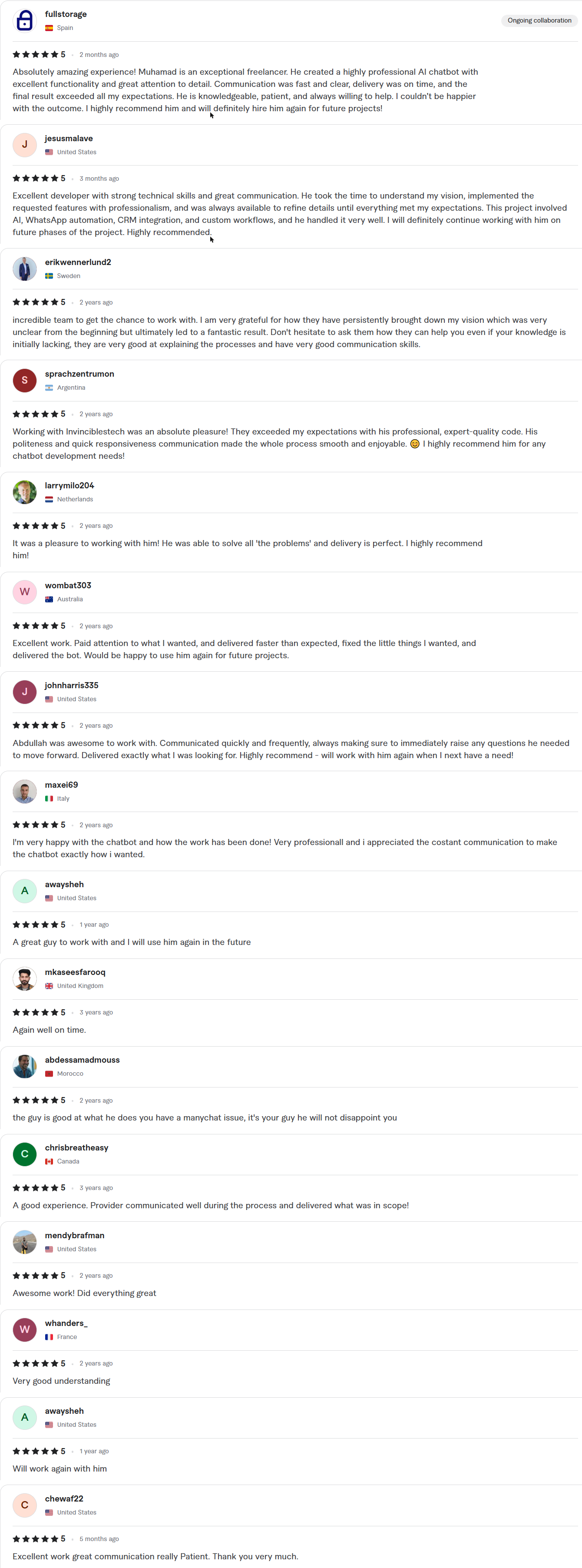
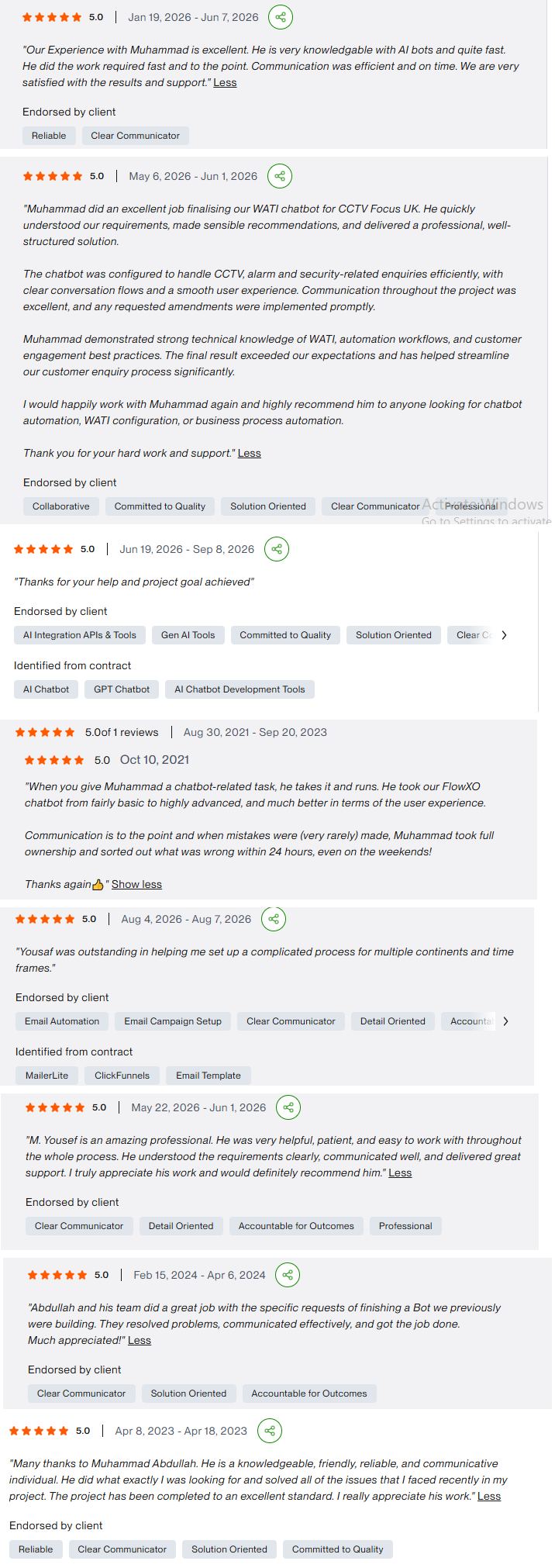
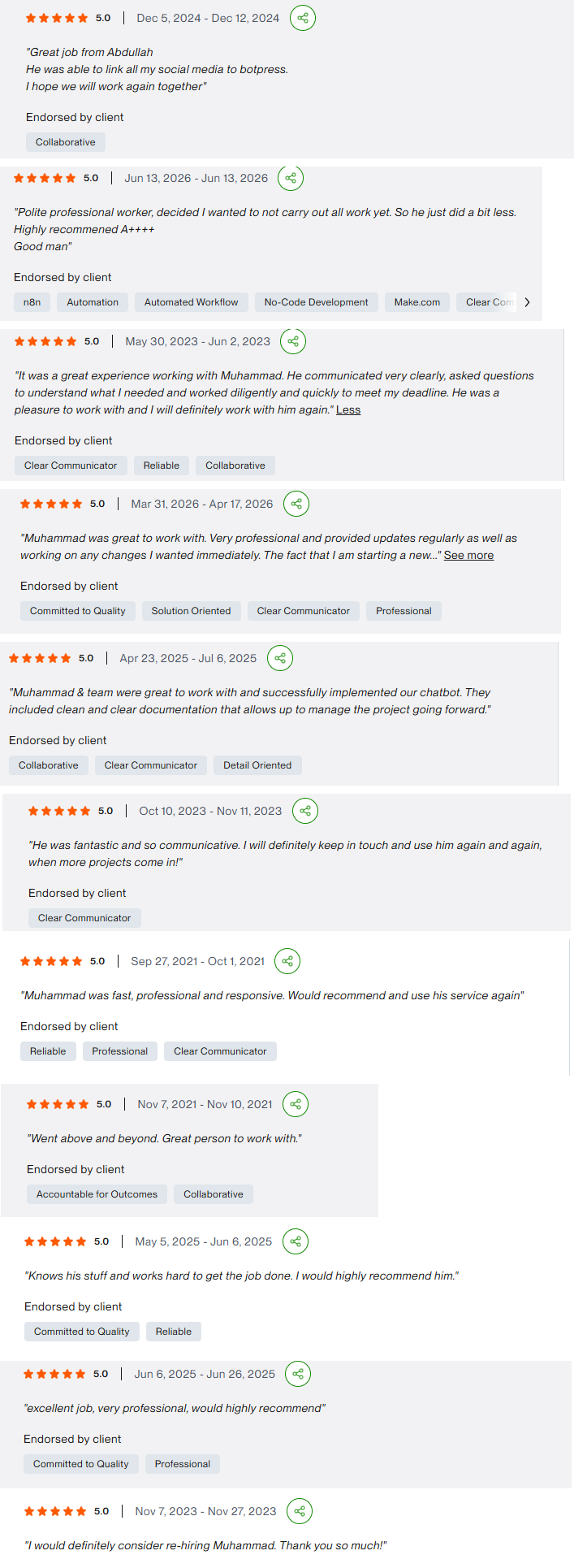
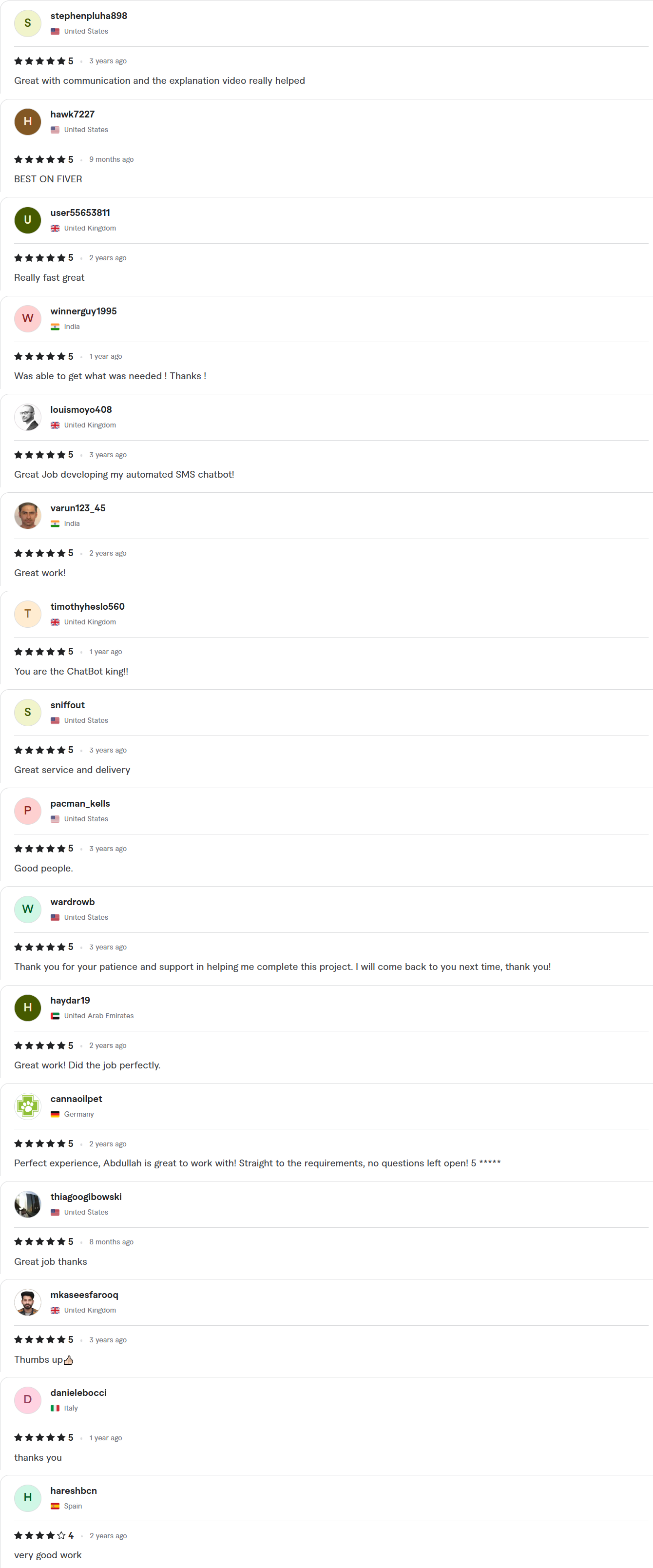
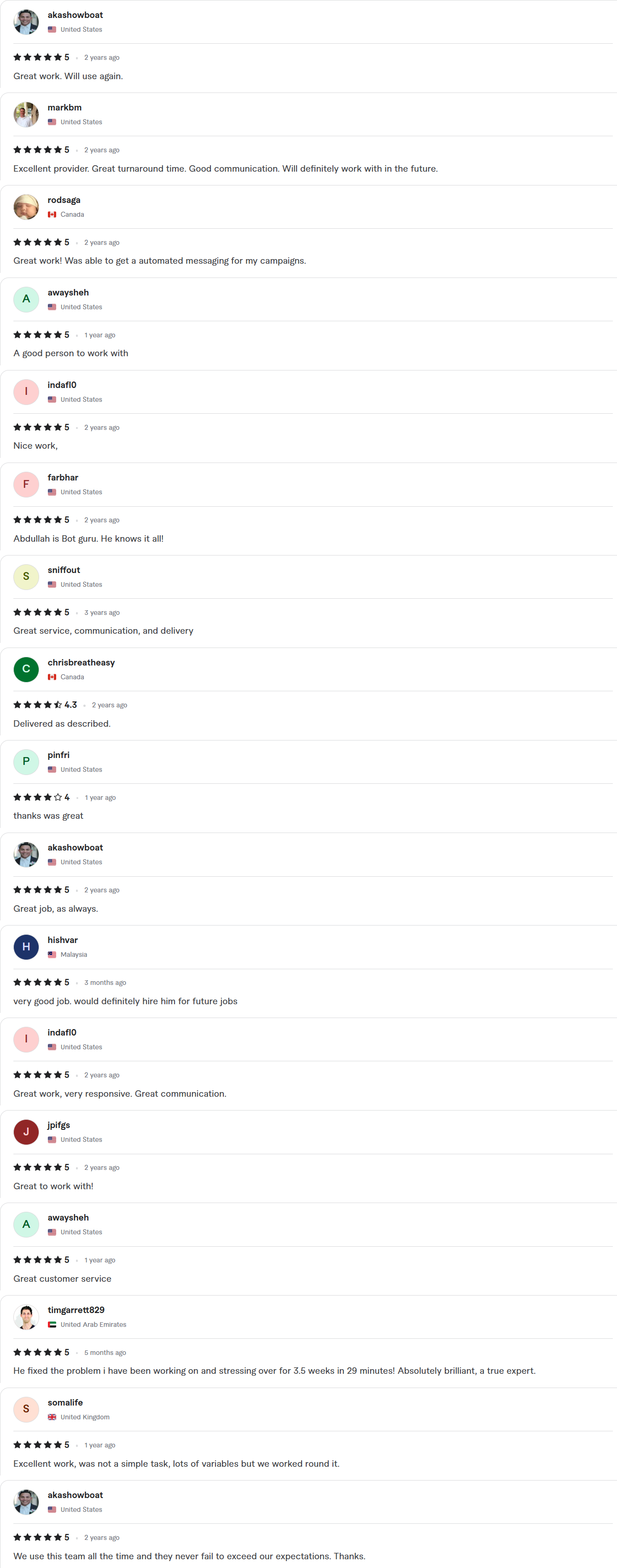
Client Reviews
5.0 average rating on Upwork and Fiverr
Answers, before you book.
Quick answers to the questions we hear most about LinkedIn automation.
Do you build bots that message people on LinkedIn?
No. LinkedIn restricts automated messaging and profile visits, and they can put your account at risk. We build lead form, CRM, alert, content and reporting workflows on the tools LinkedIn allows.
What can you automate on LinkedIn?
Lead gen form entries into your CRM, alerts and first replies, lead scoring, content scheduling and weekly reports. Anything sent to a contact is approved by a person.
How fast can you ship?
Starter builds take 7–10 days, Growth builds 14 days and Enterprise builds about 30. The exact timeline is written into your fixed-scope quote, which arrives within 24 hours of your call.
Whose account is the work done in?
Yours. We work inside your own accounts with delegated access, and credentials stay in your workspace. You get a full handover, with documentation and a Loom walkthrough, when the project closes.
Which CRMs can you connect?
GoHighLevel, HubSpot, Zoho, Salesforce, Pipedrive and others with an API. Leads arrive with their campaign, source and form answers.