AI Document Processing
Documents read, checked and filed without anyone retyping them.
We build workflows that pull the data out of PDFs, spreadsheets, emails and forms, check it against your rules, and put it in the right system, with a person approving anything doubtful.
Why Choose GetAIChatBots for AI Document Processing
Documents arrive in every shape: scanned PDFs, Excel sheets, email attachments and web forms. GetAIChatBots builds document workflows that read them, pull out the fields you need, check the result and file it in your CRM, spreadsheet or back office. AI does the reading, clear rules do the checking, and a person reviews whatever the system is not sure about.
Someone is retyping the paperwork.
Referrals, invoices, applications and reports arrive as files, and a person opens each one and types the details into another system. It is slow, it is easy to get wrong, and the work piles up whenever that person is away. We test on your own files first, because a document tool that only works on clean samples will fail in real use.
- Data typed in from every file
- Mistakes found only after the fact
- A backlog that grows when one person is away
Three steps from stack of files to clean records.
Map the documents
We collect real samples and list the fields, the sources and the rules for what counts as correct.
A short call and a look at a few real documents show how they differ from sender to sender. We note which fields matter, where they should end up and which mistakes cost you most.
- Sample documents reviewed
- Fields and destinations listed
- Checks written as plain rules
Build and test
We build the reading and checking steps and test them on your own files, including the messy ones.
The workflow is tested on scans, odd layouts and missing fields. Results below the confidence you set go to a review queue instead of straight into your systems.
- Tested on your real documents
- A review queue for doubtful results
- Duplicate and mismatch checks
Launch and monitor
The workflow goes live with logs, alerts and a record of every file it handled.
After launch we watch the first batches closely and tune the rules. Your team learns how to approve the review queue and where to look when a file is rejected.
- A log of every file handled
- Alerts when a file cannot be read
- A written guide and a Loom walkthrough
What we build for document processing.
Reading PDFs, scans and attachments
Files from email, folders and portals are picked up and read automatically.
- Email attachments and shared folders
- Scanned and digital PDFs
- Several layouts in one workflow
Spreadsheet and Excel parsing
Reports and exports in odd formats are turned into clean, consistent rows.
- Different column layouts handled
- Totals and formats checked
- Output to your database or CRM
Field checks and validation
Every extracted value is checked against your rules before it is saved.
- Required fields and formats
- Cross-checks between fields
- Mismatches flagged, not hidden
A review queue for doubtful results
Anything the system is unsure about waits for a person, with the source file next to the result.
- Approve or correct in one view
- Corrections improve the rules
- Nothing doubtful goes live
Filing into your systems
Clean data lands in the CRM, spreadsheet, drive or back office where your team works.
- CRM and database records
- Files named and filed
- Duplicates caught before saving
Logs, alerts and a written handover
You can see what was processed, what failed and why, and your team gets it written down.
- A log of every file
- Alerts that name the file and the problem
- Handover document
Document workflows we build.
Four typical document workflows. Open our case studies to see real projects.
See what we have built.
Real projects, with the tools we used and the results.
Document workflows that keep working when the layouts change
Documents change without warning: a new template, a different scan quality, a column moved. We test on a wide set of real samples, keep the checks in plain rules, and send low-confidence results to a person instead of guessing. Every file is logged with its result, so you can trace any record back to the document it came from, and failures raise an alert that names the file.
Book a Call ↗When document automation is the right choice, and when it is not.
Document automation reads files and turns them into structured data, using AI for the reading and rules for the checking. It pays off when the same kinds of documents arrive again and again, and when a person currently types them in.
Choose document automation when
The same kinds of files arrive every week and someone retypes them, or when mistakes in the data are costly.
Choose something else when
Documents are rare and every one is different. A manual process, or a one-off script, may cost less.
Works with your stack.
We build document workflows on n8n, Make, Zapier, Pabbly and Power Automate, with code where a platform is not enough. Here is where each one fits.
Book a Call →Which platform fits document processing?
A short, honest view. We build on all three, so we recommend the one that fits.
AI reading with rules
AI extracts the fields and clear rules check them before saving.
- Handles many layouts
- Doubtful results go to review
- Best for varied documents
Template-based reading
Fixed templates read documents that always look the same.
- Fast and predictable
- Low cost per file
- Best for one fixed layout
Connects to the apps you already use.
Document workflows connect to your email, drives, CRM and finance tools, and any app with an API can be added.
Where document processing fits best.
Document automation pays off fastest where paperwork drives the day, such as healthcare, insurance, banking, real estate and travel.
Document processing built around your paperwork.
Choosing a document automation partner comes down to trust: will it read your real files correctly, and will a person stay in control? We work remotely with teams across the United States and worldwide, from our Austin, TX and Pakistan offices.
Real documents first
We start from your own samples, including the messy ones, not from a demo.
A person stays in control
Doubtful results wait in a review queue, and every file is logged with its result.
Monitored after launch
Alerts name the file and the problem, and a monthly support plan is available.
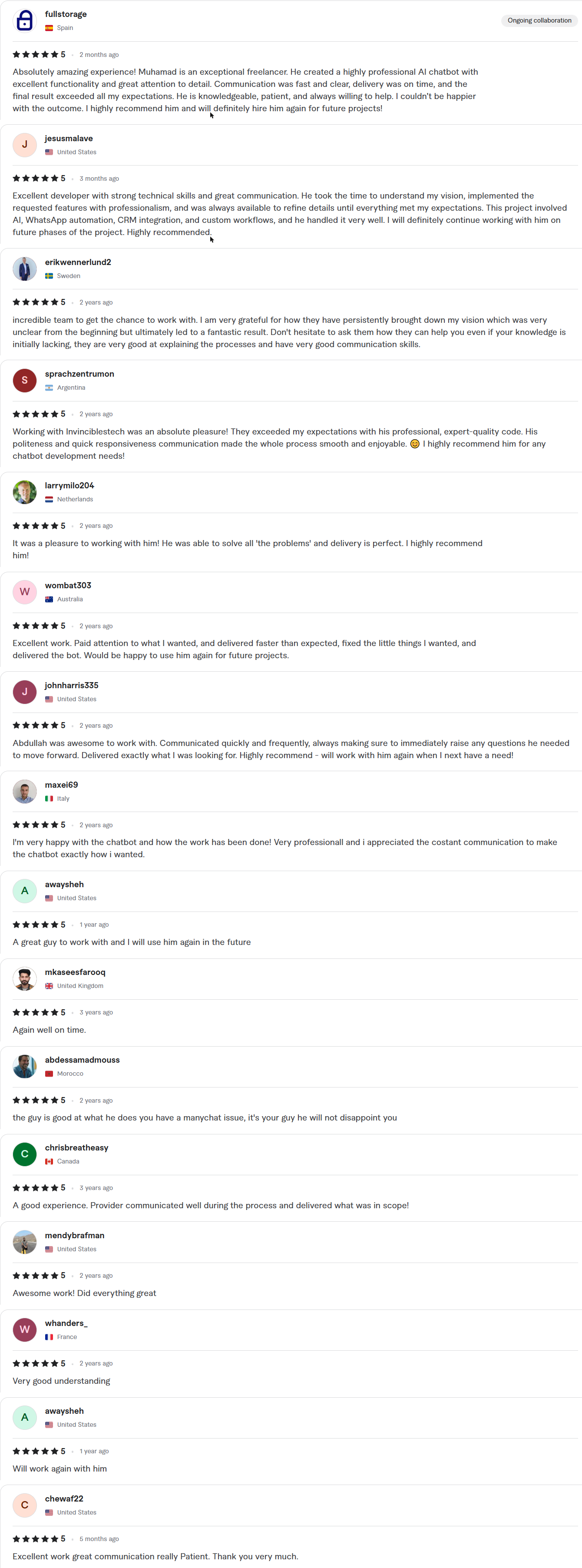
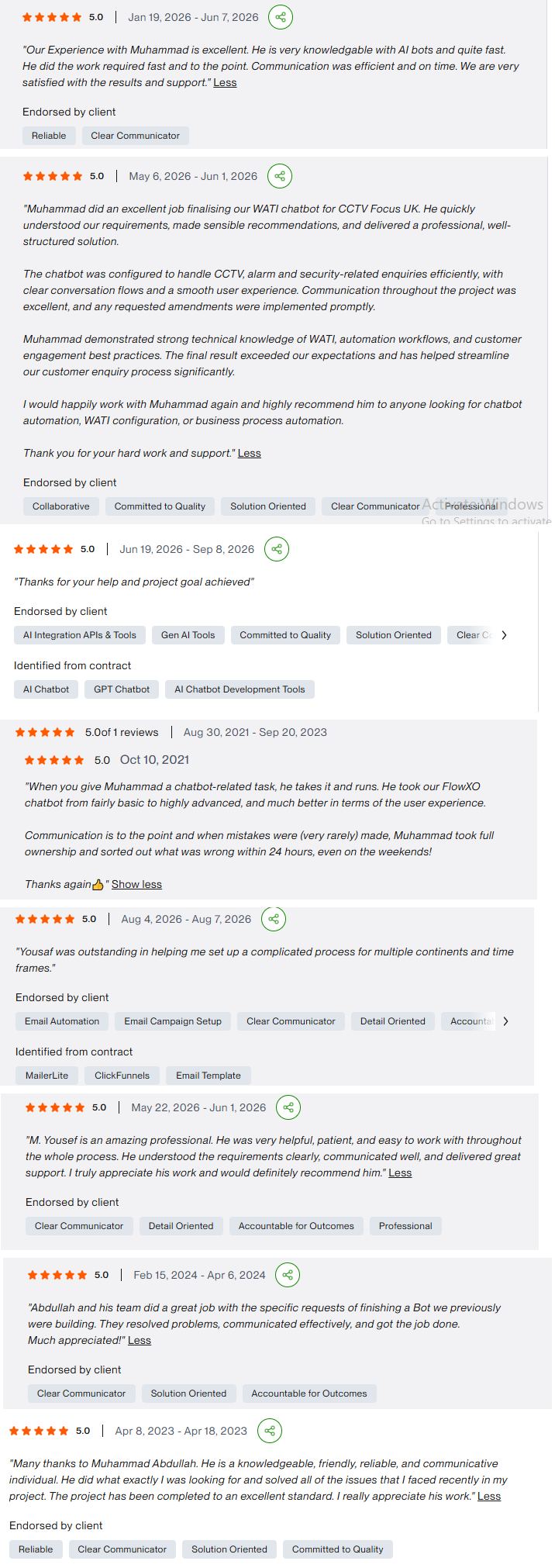
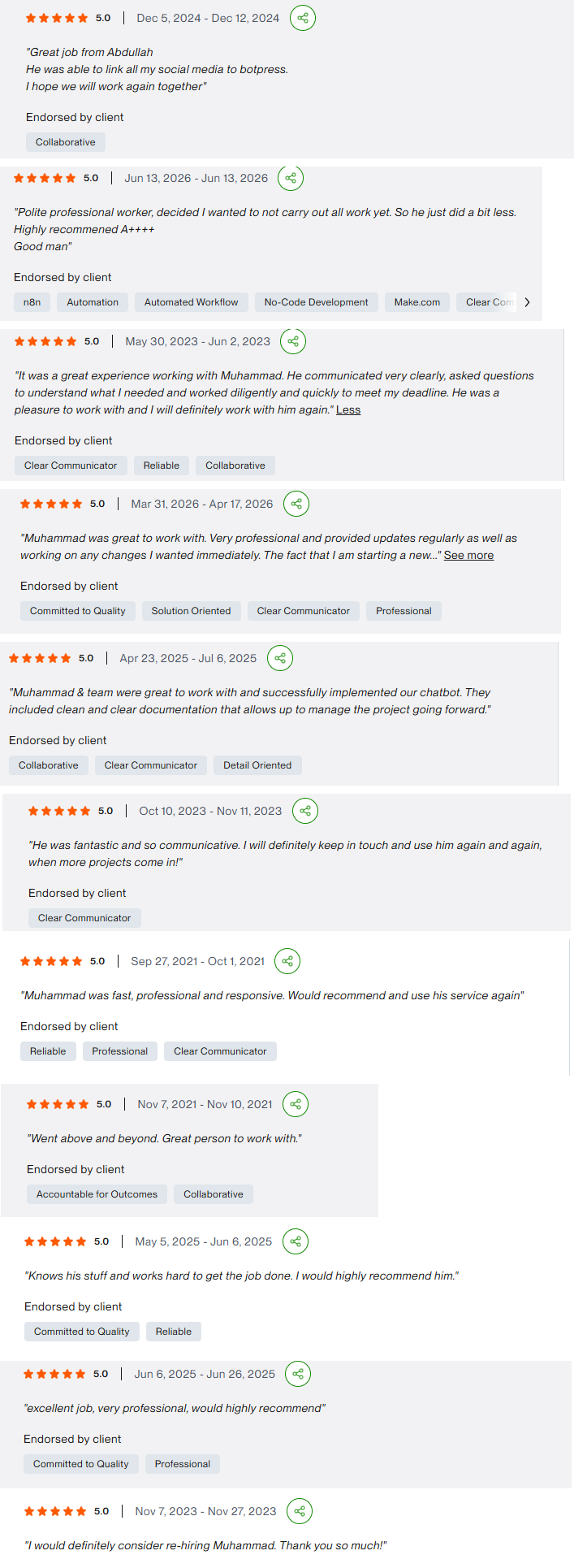
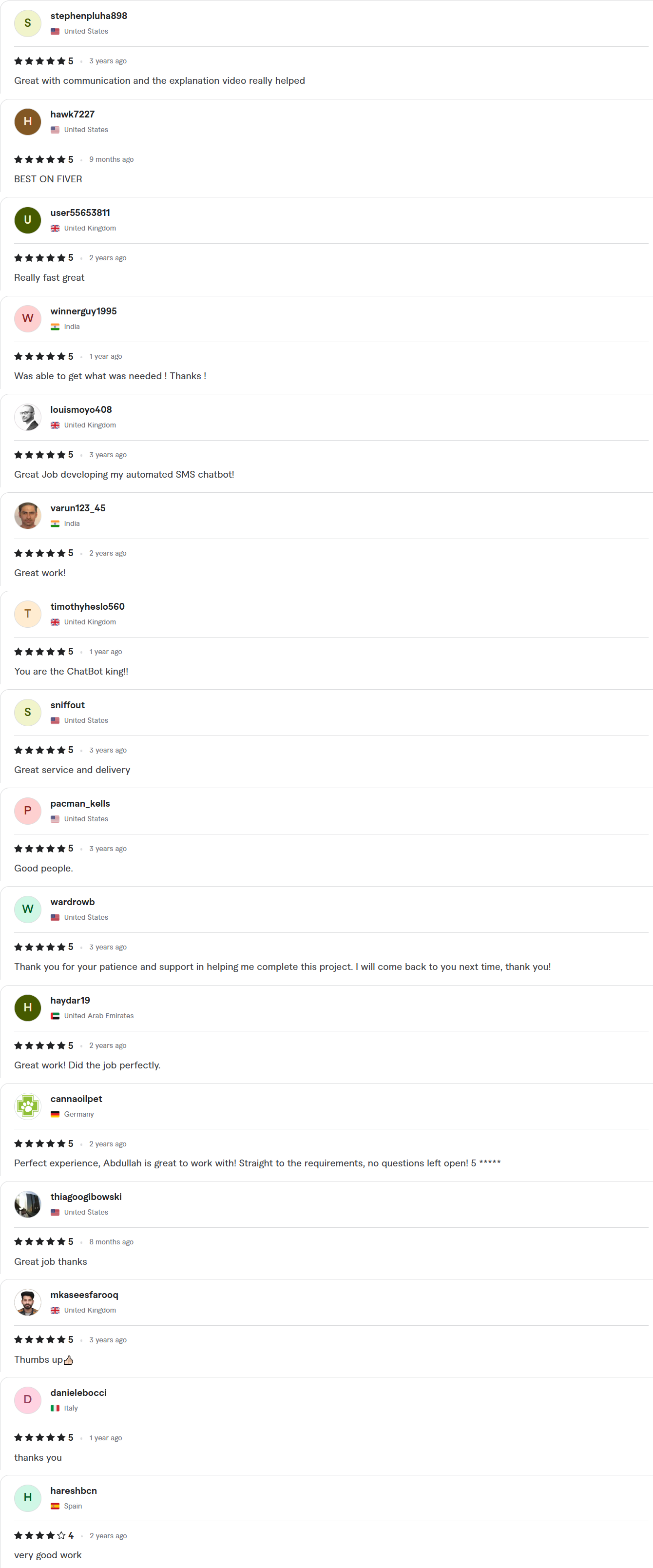
Client Reviews
5.0 average rating on Upwork and Fiverr

Answers, before you book.
Quick answers to the questions we hear most about document processing.
What kinds of documents can you process?
PDFs, scans, spreadsheets, email attachments and web forms. We start with samples of your real files to see what is possible and where a person needs to review.
How accurate is it?
It depends on the documents. We test on your own files, set the checks and the confidence level together, and send anything doubtful to a review queue instead of guessing.
How fast can you ship?
Starter builds take 7–10 days, Growth builds 14 days and Enterprise builds about 30. The exact timeline is written into your fixed-scope quote, which arrives within 24 hours of your call.
Whose account is the work done in?
Yours. We work inside your own accounts with delegated access, and credentials stay in your workspace. You get a full handover, with documentation and a Loom walkthrough, when the project closes.
Where does the data go?
Into the systems you already use, such as your CRM, a spreadsheet, a database or a shared drive. We agree the destinations and field names before building.