Automation Maintenance and Support
Automations that keep running, and someone who watches them.
We monitor your workflows, fix failures fast and keep them up to date as your tools change, so a broken API or a silent failure never stalls the business.
Why Choose GetAIChatBots for Automation Maintenance and Support
Automations rarely fail loudly. A changed API, an expired login or a renamed field can stop a workflow for weeks before anyone notices. GetAIChatBots monitors your workflows on n8n, Make, Zapier, Pabbly and Power Automate, fixes failures, keeps them up to date and reports what ran and what did not, whether we built them or someone else did.
Nobody is watching the automations.
The workflows were built, they worked, and then attention moved elsewhere. Logins expire, apps change and volumes grow. Failures stay silent, data goes missing, and the first sign is a customer asking where their order is. Most failures are quiet ones, which is why we check that workflows ran, and not only whether they raised an error.
- Failures nobody hears about
- Workflows nobody knows how to fix
- Tools and APIs changing underneath them
Three steps from unwatched to monitored.
Audit what runs
We list every workflow, where it runs, who owns it and what it touches.
Many teams do not have a complete list. We find the workflows, check their history for silent failures and note which ones are fragile or undocumented.
- Workflows, owners and accounts listed
- Run history checked for hidden failures
- Risks ranked by impact
Set up monitoring
Failure alerts, health checks and logs go in so problems show up the moment they start.
Alerts name the failing step and the data involved and reach the right person on Slack, Teams or email. Critical workflows get extra checks, such as a daily proof that they ran.
- Alerts to Slack, Teams or email
- Daily checks on critical workflows
- Credentials and expiry dates tracked
Maintain and report
We fix failures, update workflows when tools change and send a short report each month.
Fixes follow the response time agreed in your plan. Small changes and updates are covered by the plan, and bigger improvements are quoted separately before any work starts.
- Fixes within the agreed response time
- Updates when apps or APIs change
- A monthly summary of runs and issues
What our maintenance covers.
Monitoring and failure alerts
We watch your workflows and tell the right person the moment one stops.
- Alerts that name the failing step
- Checks that critical workflows ran
- Quiet when everything is healthy
Fixes when something breaks
Failures are diagnosed and repaired, and the cause is written down so it does not repeat.
- Diagnosis and repair
- Cause noted in the log
- Missed runs retried where possible
Updates when apps and APIs change
When a connected tool changes, we adjust the workflow before it fails.
- API and app changes tracked
- Credentials renewed before expiry
- Platform updates applied
Documentation of what exists
Every workflow gets a short written description, so anyone can pick it up.
- What it does and why
- Where it runs and who owns it
- How to restart it
Small improvements and tuning
Each month we tidy slow or fragile workflows and apply quick wins from the logs.
- Slow steps sped up
- Retries and error paths added
- Duplicate runs removed
A monthly report
A short summary shows what ran, what failed, what we fixed and what to improve next.
- Runs and failures at a glance
- Fixes made this month
- Suggested next steps
Checks we run.
Four typical maintenance checks. Open our case studies to see real projects.
See what we have built.
Real projects, with the tools we used and the results.
Maintenance that keeps automations running while everything around them changes
Production automation depends on dozens of things we do not control: logins, API versions, rate limits and the apps themselves. We keep the list of workflows current, watch every run, renew credentials before they expire and test the critical paths after any change. When something fails you hear about it with the step and the record involved, and the fix starts within the response time agreed in your plan.
Book a Call ↗When a maintenance plan is the right choice, and when it is not.
A maintenance plan is a monthly arrangement where we monitor, fix and update your workflows. It is worth it when the automations matter to revenue or customers, and when nobody on your team has the time to watch them.
Choose a maintenance plan when
Your automations run orders, leads or invoices, or a failure would cost you customers or money.
Choose something else when
You have a small side workflow, or an in-house engineer already owns monitoring. We can still run a one-off audit.
Works with your stack.
We maintain workflows on n8n, Make, Zapier, Pabbly and Power Automate, including ones we did not build. Here is where each one fits.
Book a Call →The platforms we maintain.
A short, honest view. We build on all three, so we recommend the one that fits.
Monitoring only
We watch and alert, and your team makes the fixes.
- Alerts and a monthly report
- The lowest cost
- Best when you have an engineer in-house
Monitoring and fixes
We watch, fix and update your workflows for you.
- Response time written in the plan
- Updates when tools change
- Best for teams without an engineer
Connects to the apps you already use.
We monitor workflows across the tools you already use, and any app with an API or webhook.
Where maintenance matters most.
Maintenance pays off most where automations touch money or customers, such as real estate, call centers, insurance and travel.
Maintenance built around the workflows you depend on.
Choosing a maintenance partner comes down to trust: will someone notice when it breaks, and will they explain what happened? We work remotely with teams across the United States and worldwide, from our Austin, TX and Pakistan offices.
Inventory before monitoring
We list every workflow and owner first, so nothing runs unwatched.
Clear alerts, not noise
Alerts name the failing step and go to the right person, and stay quiet when all is well.
Written down for your team
Every workflow is documented, and you get a monthly report of runs, fixes and next steps.
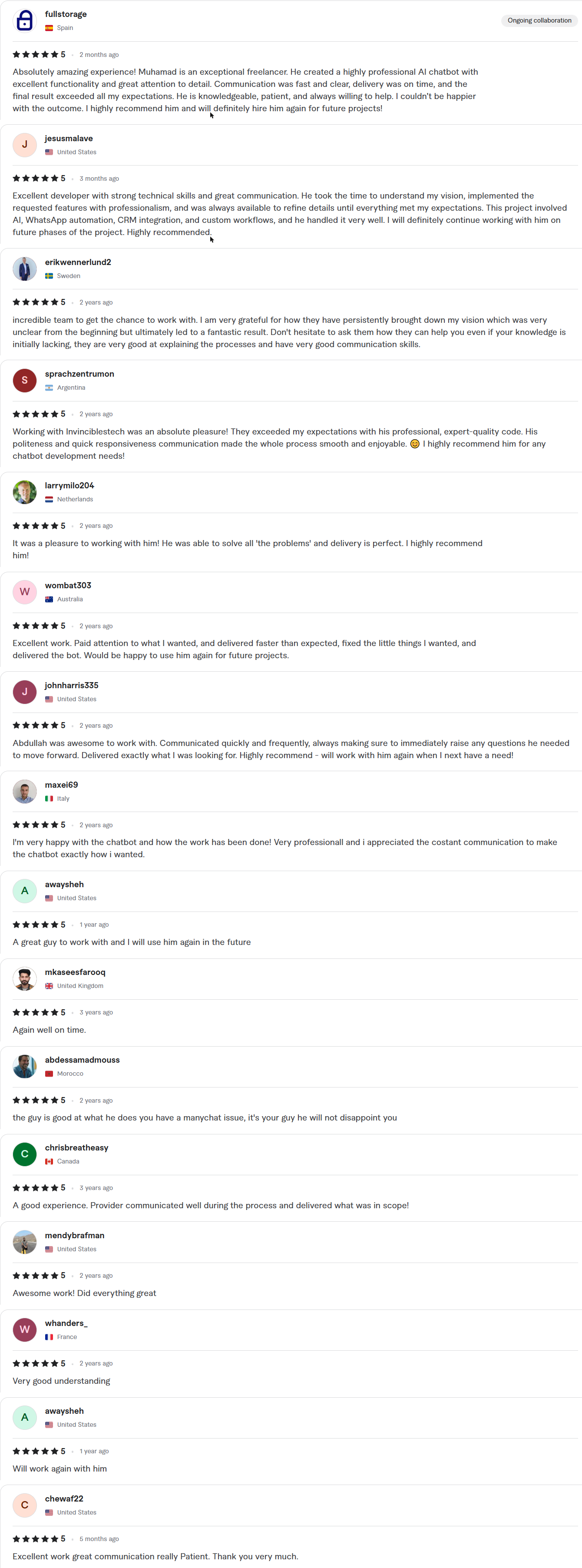
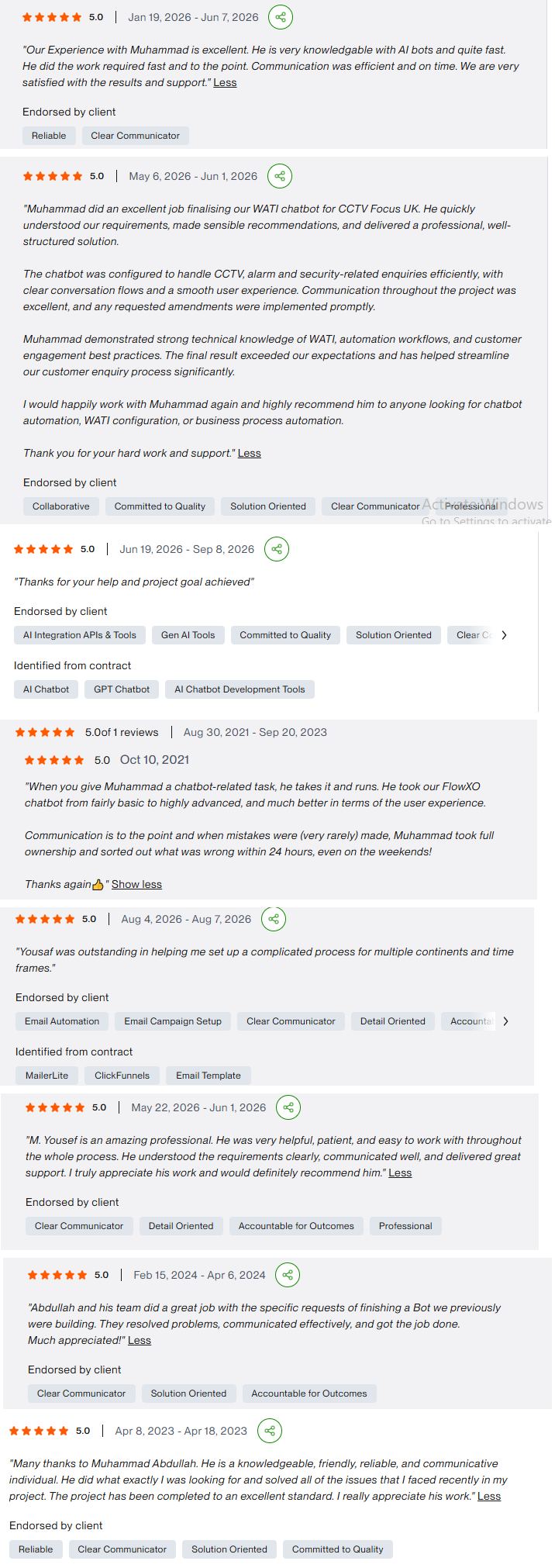
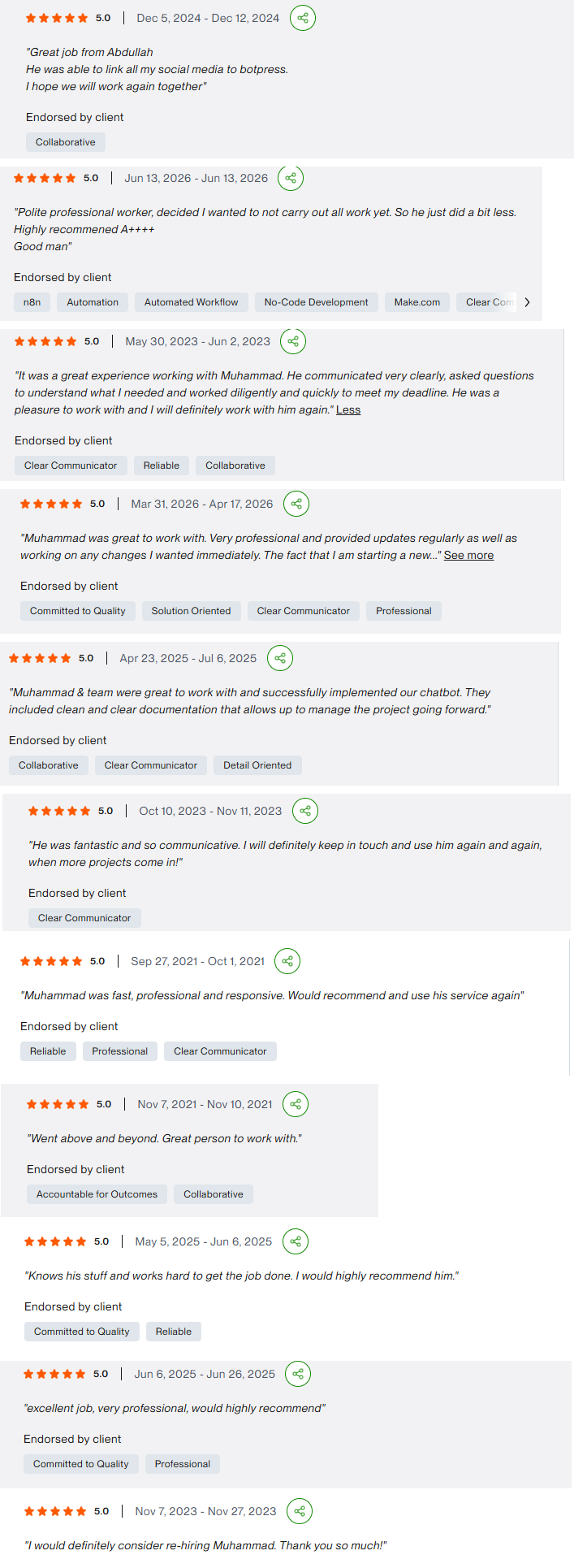
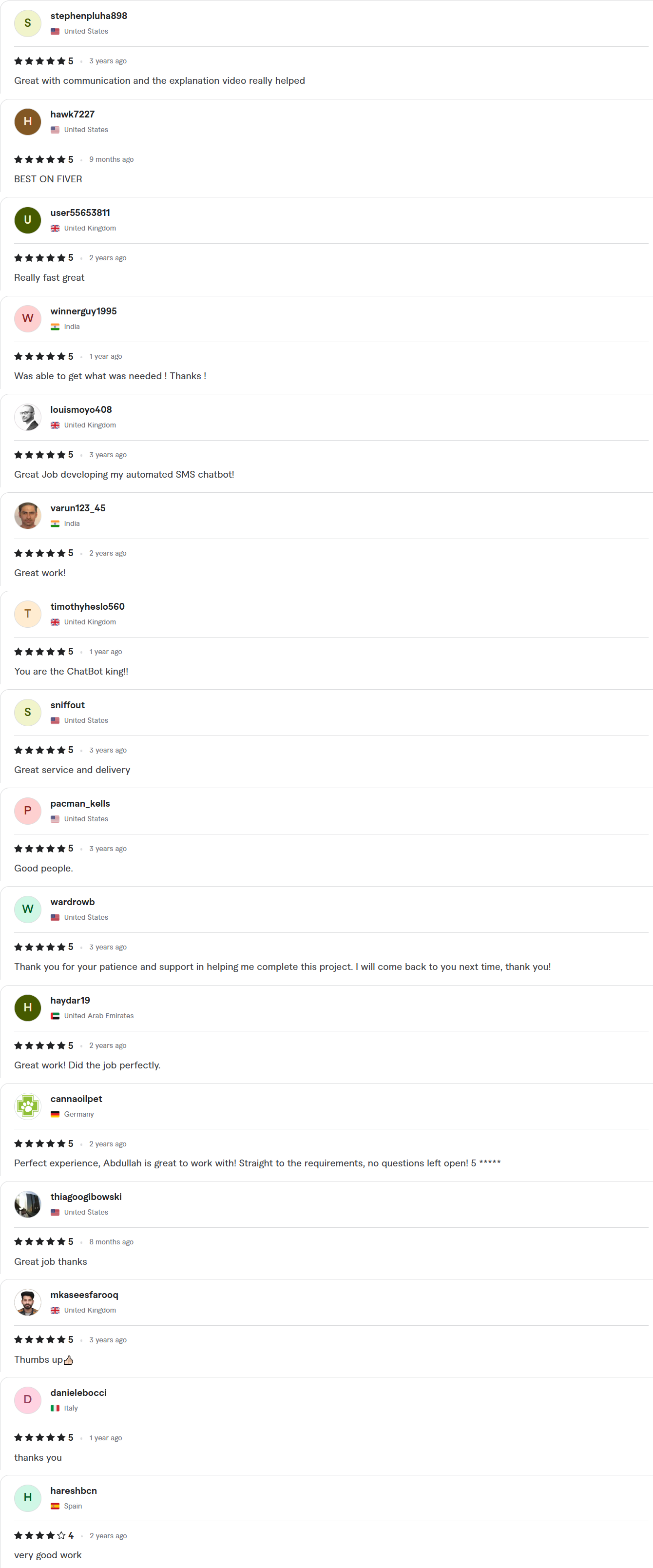
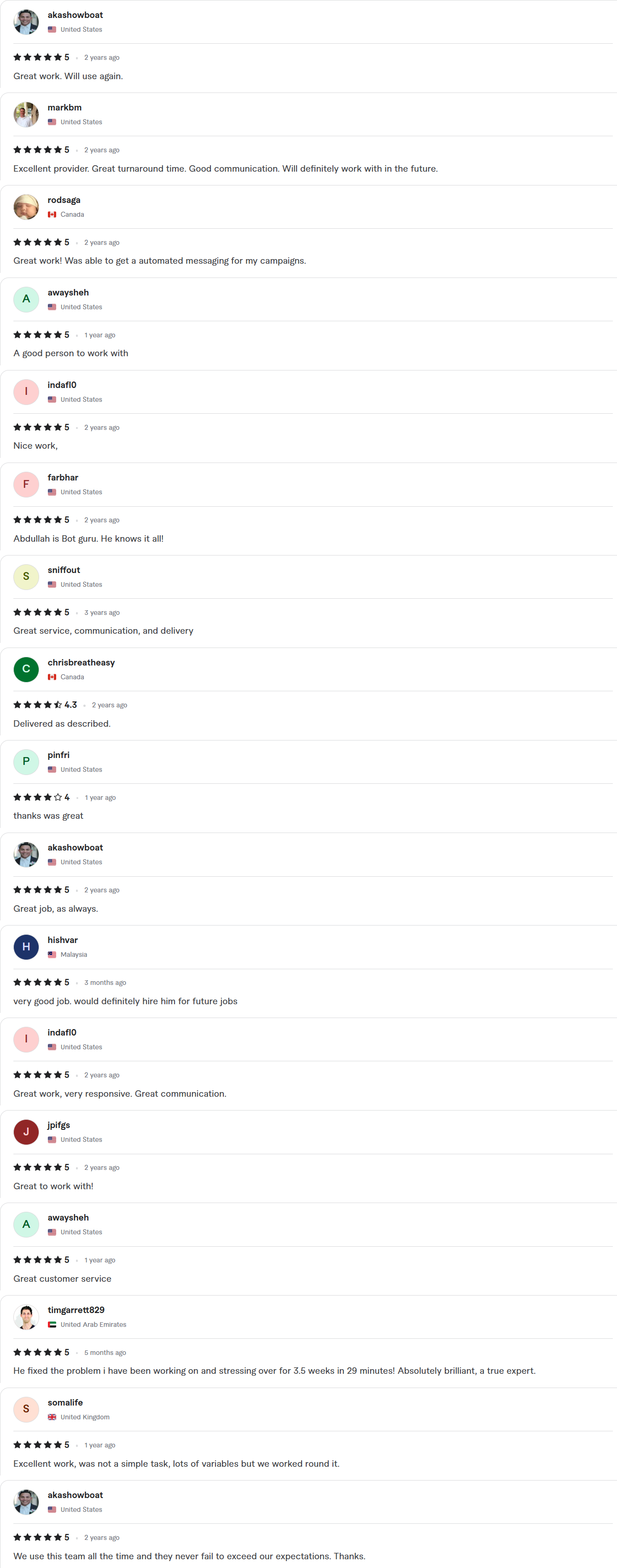
Client Reviews
5.0 average rating on Upwork and Fiverr
Answers, before you book.
Quick answers to the questions we hear most about maintenance and support.
Can you maintain automations someone else built?
Yes. We start with an audit, document what exists and note what is fragile, then monitor and maintain it like our own builds.
What does a maintenance plan include?
Monitoring and alerts, fixes when something breaks, updates when apps or APIs change, small improvements and a monthly report. Larger changes are quoted separately.
How fast do you respond to a failure?
The response time is written into your plan and depends on how critical the workflow is. Critical workflows get the fastest response.
Whose account is the work done in?
Yours. We work inside your own accounts with delegated access, and credentials stay in your workspace. You get a full handover, with documentation and a Loom walkthrough, when the project closes.
Which platforms do you support?
n8n, Make, Zapier, Pabbly Connect and Power Automate, plus the custom scripts and webhooks that sit around them.