Google Workspace and Apps Script Automation
The tools you already use, working together on their own.
We automate Google Sheets, Gmail, Calendar, Drive and Forms with Apps Script and workflow tools, so reports, emails and files take care of themselves.
Why Choose GetAIChatBots for Google Workspace and Apps Script Automation
Many teams run on Google Sheets, Gmail, Calendar, Drive and Forms, and the work between them is done by hand. GetAIChatBots builds automations on top of Google Workspace: Apps Script for jobs inside Google, and n8n, Make or Zapier when the work reaches other tools. You keep the familiar files and gain reports, emails and records that update themselves.
The spreadsheet depends on one person.
The sheet works because someone copies data in, sends the weekly email and fixes the formulas. When that person is away, it stops. Files pile up in Drive, messages wait in a shared inbox and the numbers are never quite current. We keep the code in a shared project owned by your company, so the work stays when one person leaves.
- Weekly reports built by hand
- Emails and files handled one by one
- A sheet only one person understands
Three steps from manual sheets to self-running work.
Review how you use Google
We look at your sheets, inboxes, forms and folders and at who touches them.
A short call and a look at your files show which jobs repeat every week. We note the data, the owners and the formulas people rely on.
- Sheets, forms and folders reviewed
- Repeating jobs listed
- Jobs ranked by hours saved
Build and test
We build the scripts and workflows on a copy of your files and test them with real data.
Apps Script handles the jobs that live inside Google, and a workflow tool handles anything that reaches other apps. Each piece is tested with blank cells, duplicates and sudden changes.
- Built and tested on a copy
- Blank and duplicate data handled
- A review before go-live
Launch and hand over
The automations go live with alerts when a run fails and clear notes inside the files.
We watch the first runs and fix anything unexpected. The scripts are commented and the sheets explain themselves, so your team can follow and change them.
- Failure alerts by email or Slack
- Notes and comments inside the files
- A written guide and a Loom walkthrough
What we build on Google Workspace.
Sheets that update themselves
Data flows into the sheet from forms, apps and APIs, and formulas stay tidy.
- Imports from forms and apps
- Clean, consistent columns
- Formulas protected from edits
Reports and emails sent on schedule
Weekly and monthly numbers go to the right people without anyone pressing send.
- Charts and tables by email
- AI summaries of the week
- Alerts when a number looks wrong
Gmail sorting and drafted replies
Incoming mail is labelled and routed, and replies are drafted for a person to approve.
- Labels and routing by rule
- Summaries of long threads
- Drafts waiting for approval
Forms into records and tasks
Google Forms entries become sheet rows, calendar events, tasks and messages.
- Rows, events and tasks created
- Confirmation emails sent
- Duplicates caught
Drive files named, filed and shared
Files are renamed, filed in the right folder and shared with the right people automatically.
- Naming rules applied
- Folders created per client or job
- Permissions set by rule
Apps Script tools, alerts and a written handover
Custom menus and buttons run common jobs, with alerts and clear notes for your team.
- Custom menus and buttons
- Alerts that name the failing step
- Handover document
Google workflows we build.
Four typical Google Workspace workflows. Open our case studies to see real projects.
See what we have built.
Real projects, with the tools we used and the results.
Google automations that keep running when files and people change
Scripts break when a column is moved, a sheet is renamed or a person leaves with the only edit access. We keep the code in a shared project, protect the ranges that scripts depend on, handle blank and duplicate data, and send alerts that name the failing step and the file. The scripts are commented, and ownership sits with your company account, so the work does not leave with one person.
Book a Call ↗When Google automation is the right choice, and when it is not.
Apps Script is the scripting language built into Google Workspace. It can run jobs on Sheets, Gmail, Calendar and Drive for free inside your Google account, and a workflow tool can take over when the job reaches other apps.
Choose Google automation when
Your team already works in Google, and the jobs repeat on sheets, mail, forms or files.
Choose something else when
Your data has outgrown sheets, or many people edit at once. A database or a CRM may fit better, and we will say so.
Works with your stack.
We combine Apps Script with n8n, Make, Zapier, Pabbly and Power Automate when work leaves Google. Here is where each one fits.
Book a Call →Apps Script or a workflow tool?
A short, honest view. We build on all three, so we recommend the one that fits.
Apps Script
Scripts that run inside your Google account on Sheets, Gmail, Calendar and Drive.
- No extra platform to pay for
- Lives next to your files
- Best for jobs inside Google
Workflow tools with Google
n8n, Make or Zapier link Google to your CRM, payments and messaging.
- Many apps in one flow
- Retries, branches and alerts
- Best when work leaves Google
Connects to the apps you already use.
Google automations connect Sheets, Gmail, Calendar and Drive to your CRM, payments and messaging tools, and any app with an API can be added.
Where Google automation fits best.
Google automation pays off where teams run on sheets and email, such as real estate, restaurants, travel agencies and small agencies.
Google automation built around how your team works.
Choosing a Google Workspace partner comes down to trust: will the sheets keep working, and will your team understand the scripts? We work remotely with teams across the United States and worldwide, from our Austin, TX and Pakistan offices.
Your files first
We keep the sheets and folders your team already knows, and automate around them.
Built for your team to own
Commented scripts, shared ownership and a written guide, inside your own Google account.
Monitored after launch
Alerts reach email or Slack, and a monthly support plan is available.
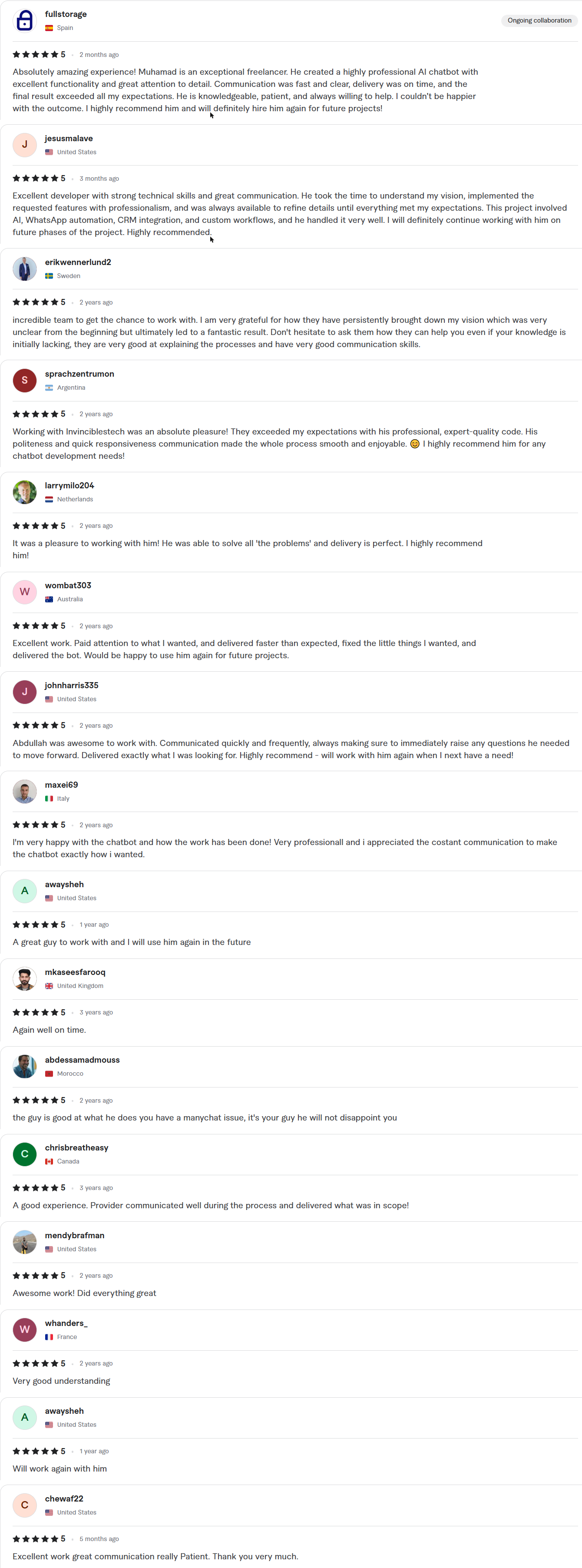
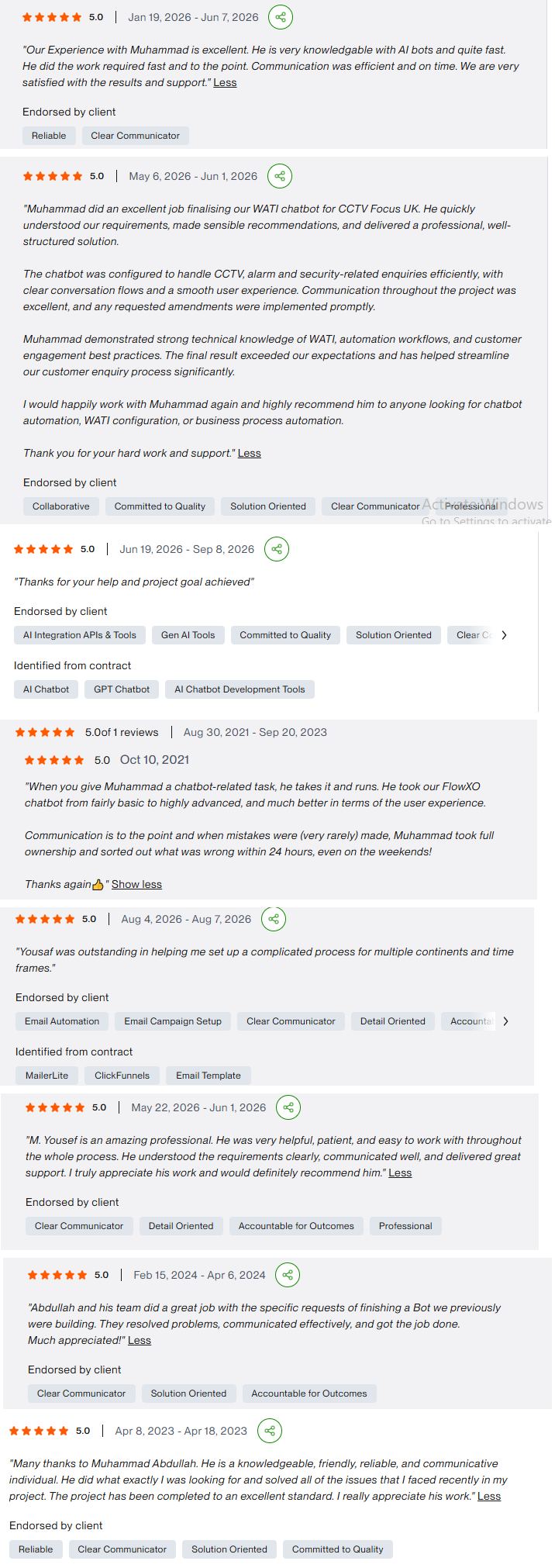
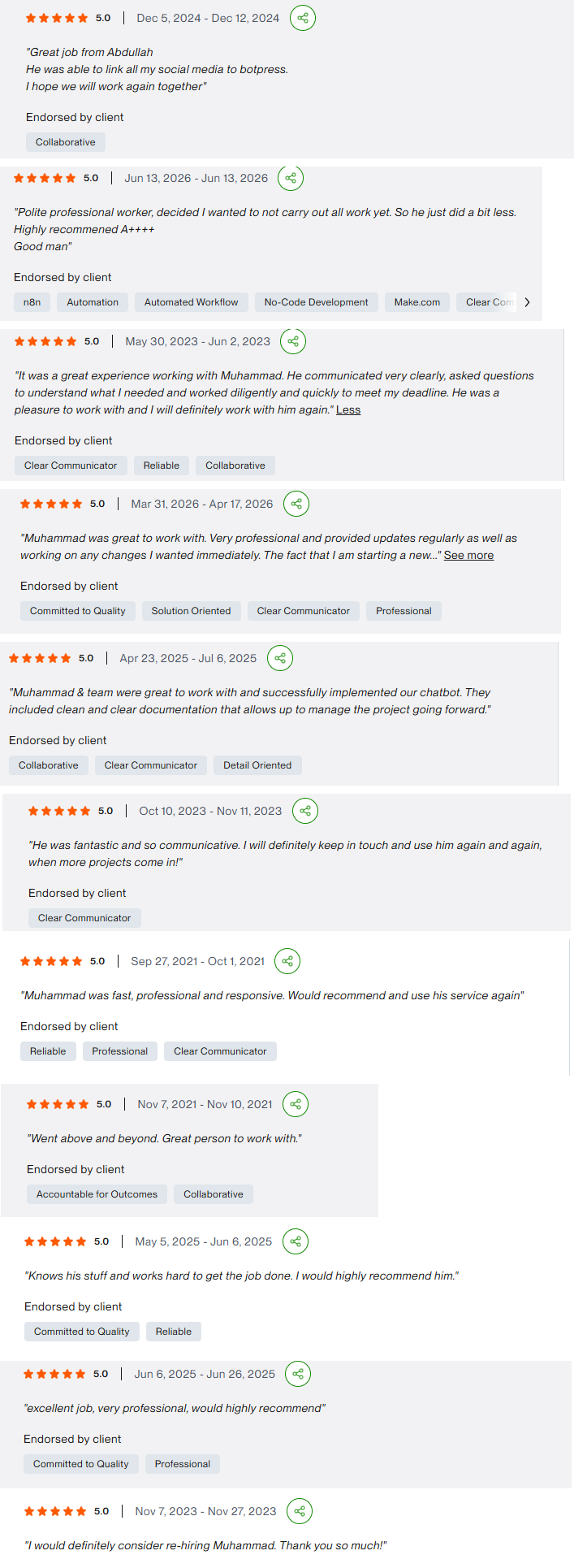
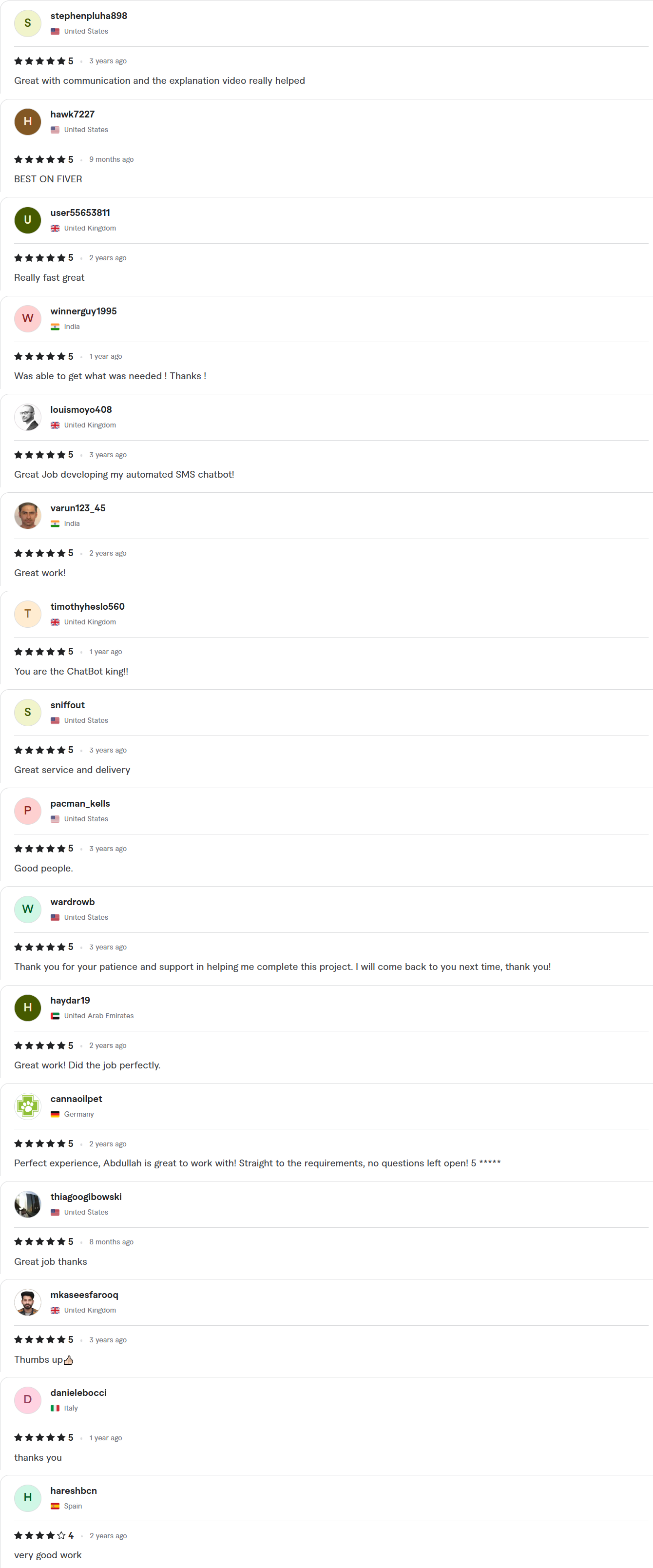
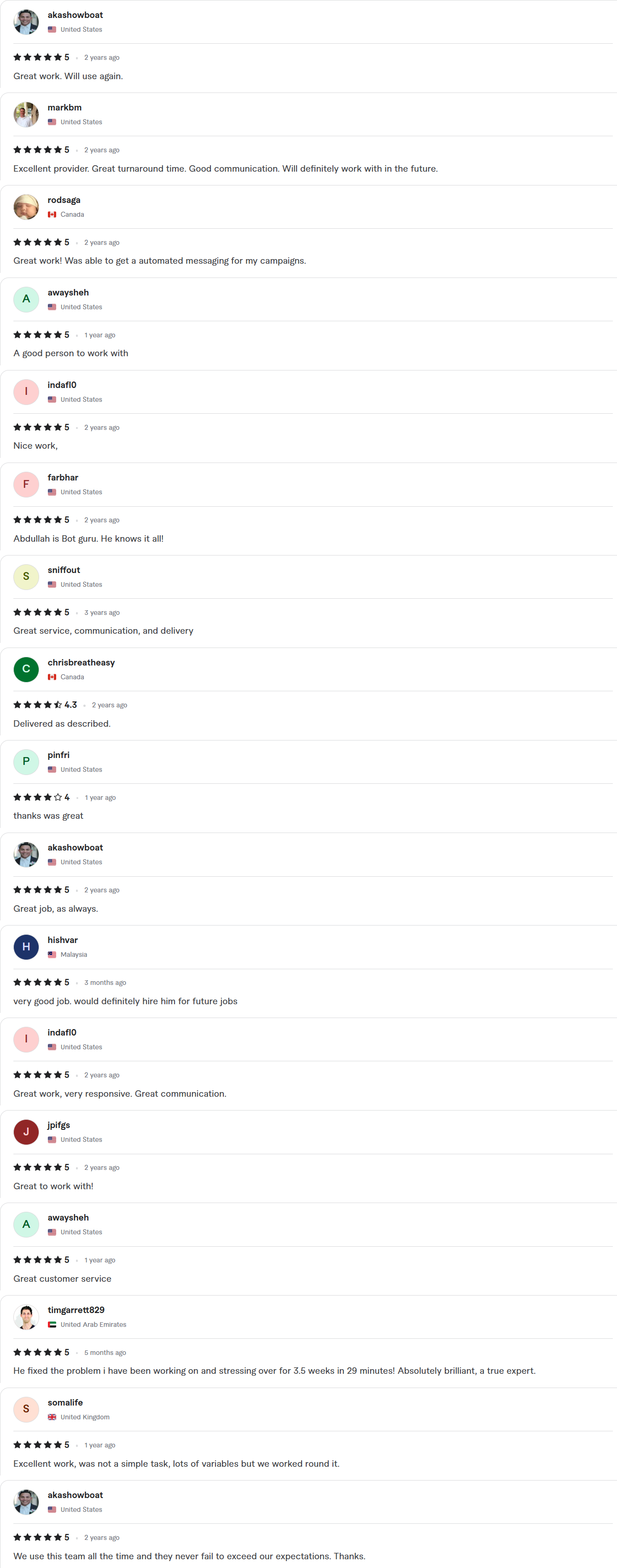
Client Reviews
5.0 average rating on Upwork and Fiverr
Answers, before you book.
Quick answers to the questions we hear most about Google Workspace automation.
What is Apps Script?
It is the scripting language built into Google Workspace. It lets us automate Sheets, Gmail, Calendar, Drive and Forms inside your own Google account.
When do you use a workflow tool instead?
When the job reaches outside Google, such as a CRM, a payment tool or a messaging app. n8n, Make or Zapier then carry the work, and Apps Script handles the Google side.
How fast can you ship?
Starter builds take 7–10 days, Growth builds 14 days and Enterprise builds about 30. The exact timeline is written into your fixed-scope quote, which arrives within 24 hours of your call.
Whose account is the work done in?
Yours. We work inside your own accounts with delegated access, and credentials stay in your workspace. You get a full handover, with documentation and a Loom walkthrough, when the project closes.
Is our data safe?
The automations run inside your own Google account with access you control. We keep sensitive data out of shared files, and we remove our access when the project closes.