Invoice and Accounting Automation
From order to invoice to ledger, without the manual steps.
We connect your payments, CRM and accounting tool so invoices are created, sent, matched and booked automatically, with a person approving what needs a decision.
Why Choose GetAIChatBots for Invoice and Accounting Automation
Billing is full of small jobs that are easy to get wrong: creating an invoice, chasing a payment, matching a bank line, keeping the CRM and the ledger in step. GetAIChatBots builds workflows that connect your payments, CRM and accounting tool, such as QuickBooks, Xero or Stripe, so these jobs happen on their own. Rules decide what is automatic, and a person approves anything unusual.
Billing runs on copy and paste.
An order is won in the CRM, someone creates the invoice by hand, someone else chases it, and the bookkeeper matches payments at the end of the month. Every handoff is a place for a mistake, and cash arrives later than it should. We build against a test file first and keep a person in the loop for anything unusual, because money workflows must be right before they are fast.
- Invoices created and sent by hand
- Payments matched at month end
- The CRM and the ledger disagreeing
Three steps from manual billing to automatic books.
Map the billing flow
We follow one deal from quote to payment and list every system, step and person involved.
A short call and a look at your invoices, tax rules and accounting tool show where time is lost. We note who approves what, and which cases need a person to decide.
- Systems, steps and owners listed
- Tax and numbering rules noted
- Approvals written as plain rules
Build and test
We build the workflow against a test company file and check it with real sample orders.
Each rule is tested with part payments, refunds, different currencies and missing details. Nothing is sent to a customer until the numbers have been checked by your team.
- Tested against a sandbox or test file
- Refunds, part payments and currencies
- A review before anything goes live
Launch and monitor
The workflow goes live with alerts when an invoice or payment does not match, and a log of every step.
After launch we watch the first billing cycle closely and fix anything that differs from the plan. Your bookkeeper learns where to look and how to correct an exception.
- Alerts for mismatches and failures
- A log of every invoice and payment
- A written guide and a Loom walkthrough
What we build for invoicing and accounting.
Invoices created from orders and deals
When a deal is won or an order is paid, the invoice is created with the right customer, lines and tax.
- From your CRM, shop or form
- Numbering and tax rules applied
- Drafts approved before sending
Sending and payment reminders
Invoices go out on time, and polite reminders follow until the invoice is paid.
- Email with a payment link
- Reminder schedule you control
- Stops when the invoice is paid
Payment matching and reconciliation
Payments from Stripe, PayPal or the bank are matched to the right invoice.
- Matches by reference and amount
- Part payments and refunds handled
- Unmatched items flagged
Bills and expenses captured
Supplier bills and receipts are read, coded and queued for approval.
- Reads email and uploaded files
- Suggests the account code
- Approval before booking
CRM and ledger kept in step
Status and amounts stay the same in the CRM and the accounting tool, with no double entry.
- Paid status shown in the CRM
- Customer details synced
- Conflicts flagged for review
Reports, alerts and a written handover
Weekly numbers arrive on schedule, and your team gets alerts and a written guide.
- Outstanding invoices summary
- Alerts that name the invoice
- Handover document
Billing workflows we build.
Four typical billing workflows. Open our case studies to see real projects.
See what we have built.
Real projects, with the tools we used and the results.
Billing workflows that stay correct when the numbers get complicated
Money workflows need more care than most. We build against a test file first, keep every rule written down, never send an invoice that has failed a check, and log each step with the amount and the customer. Duplicates are prevented, failed calls are retried safely, and alerts name the invoice involved. Credentials stay in your own accounts, and approvals stay with your team.
Book a Call ↗When invoice automation is the right choice, and when it is not.
Invoice and accounting automation links the tools that hold your orders, payments and books, so entries are made once and checked by rules. It pays off when you send invoices regularly and the same steps repeat each time.
Choose invoice automation when
You send invoices every week, chase payments by hand, or your bookkeeper spends time on matching and copying.
Choose something else when
You send a few invoices a month and your accounting tool already covers it. A simple template may be enough.
Works with your stack.
We connect QuickBooks, Xero, Stripe and your CRM through n8n, Make, Zapier, Pabbly and Power Automate. Here is where each one fits.
Book a Call →Which platform fits billing automation?
A short, honest view. We build on all three, so we recommend the one that fits.
Drafts a person approves
Invoices are created as drafts and a person approves them before they are sent.
- Full control at the start
- Easy to audit
- Best for new setups and larger amounts
Fully automatic for routine invoices
Routine invoices go out by themselves, and only exceptions wait for a person.
- Fastest cash collection
- Rules decide what is automatic
- Best once the rules have proved themselves
Connects to the apps you already use.
Billing workflows connect your payments, CRM, email and accounting tools, and any app with an API can be added.
Where invoice automation fits best.
Invoice automation pays off fastest where billing repeats often, such as real estate, home services, healthcare, hotels and agencies.
Invoice automation built around your books.
Choosing a billing automation partner comes down to trust: will the numbers be right, and will your bookkeeper stay in control? We work remotely with teams across the United States and worldwide, from our Austin, TX and Pakistan offices.
Your rules first
We write down numbering, tax and approval rules with your bookkeeper before building.
Tested before it touches the books
We build against a test file, and nothing is sent or booked until your team has checked it.
Monitored after launch
Alerts name the invoice and the problem, and a monthly support plan is available.
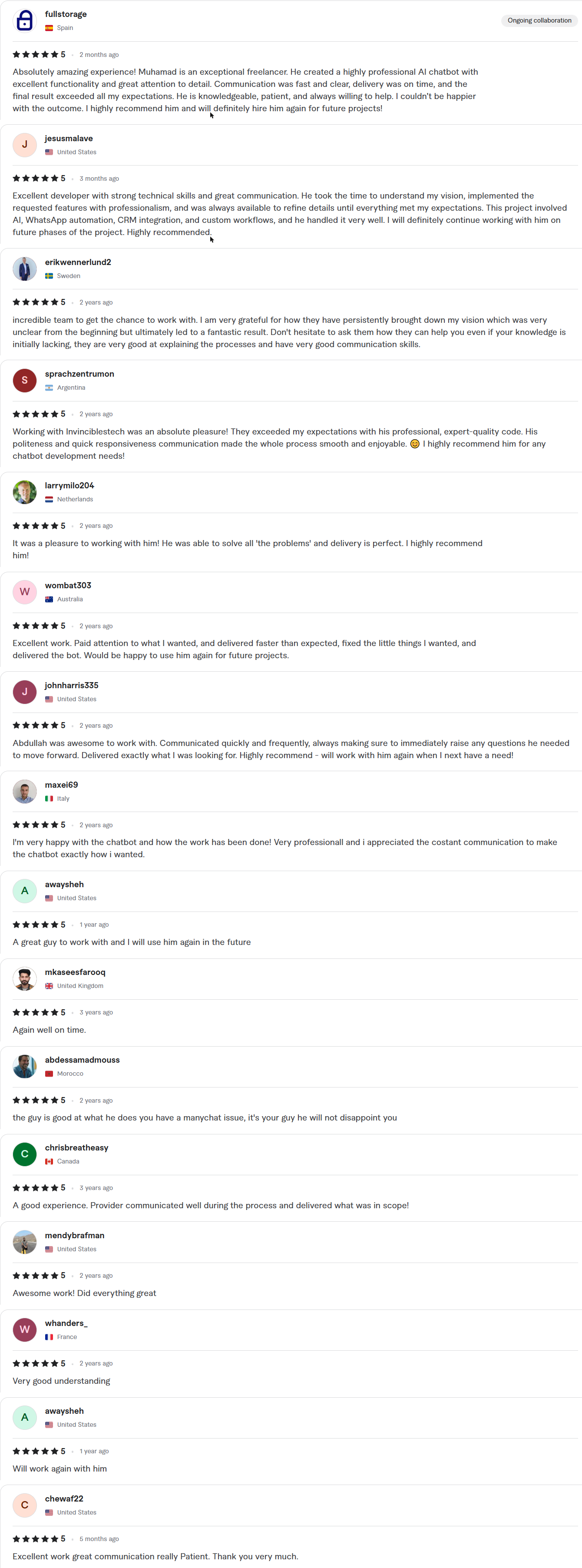
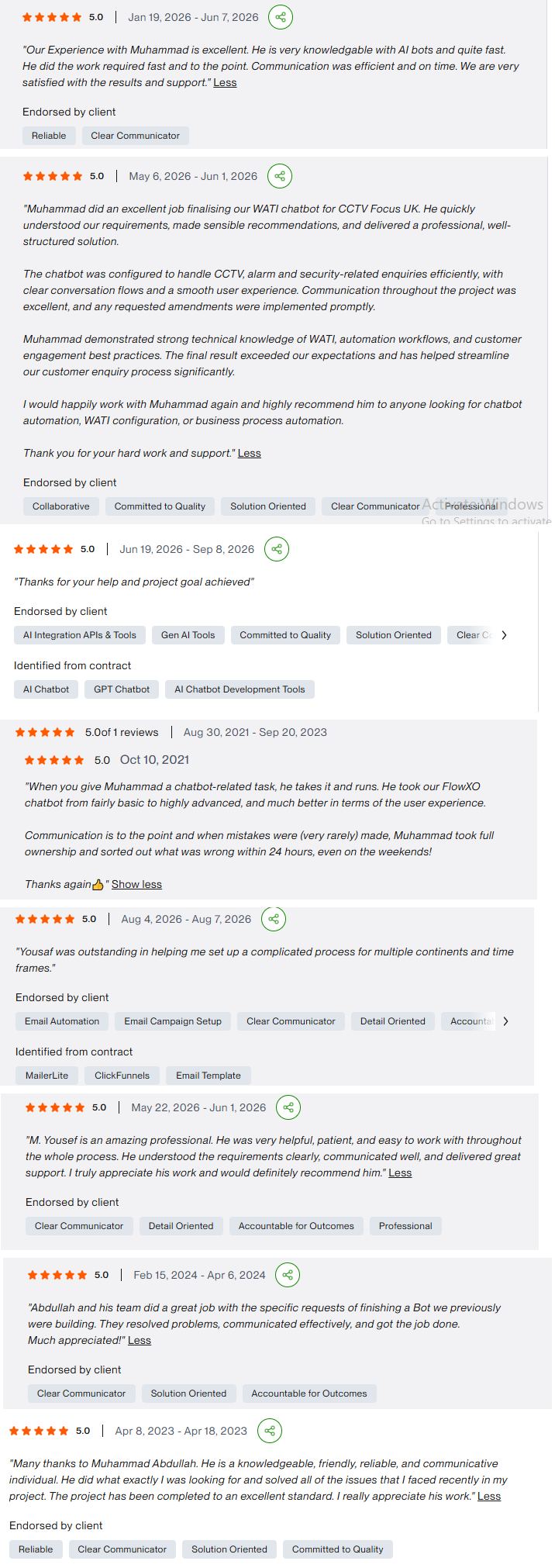
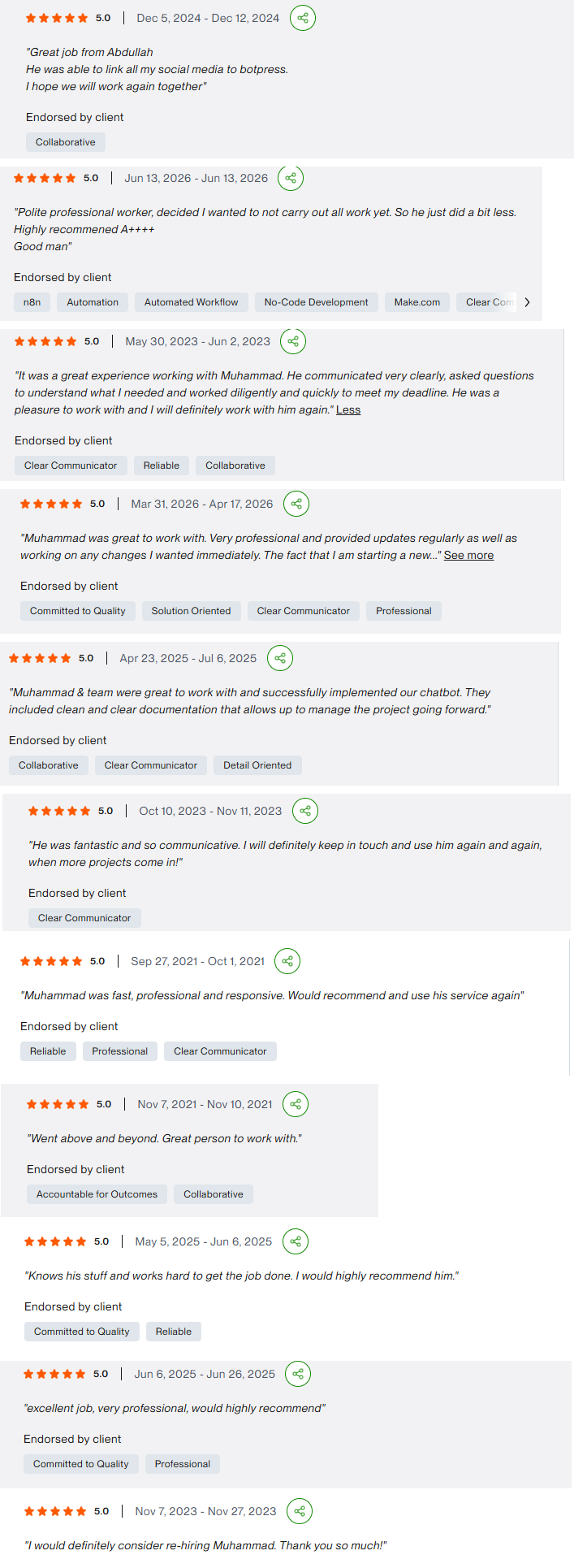
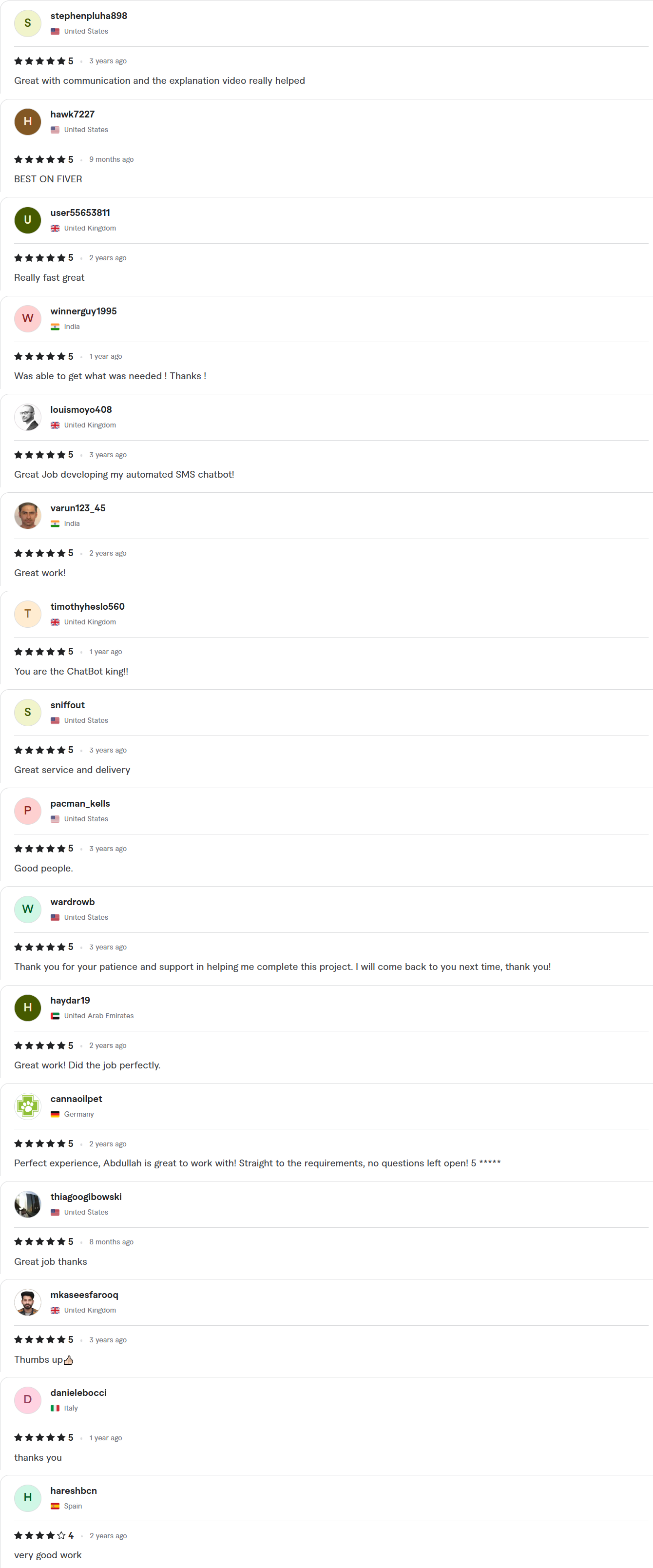
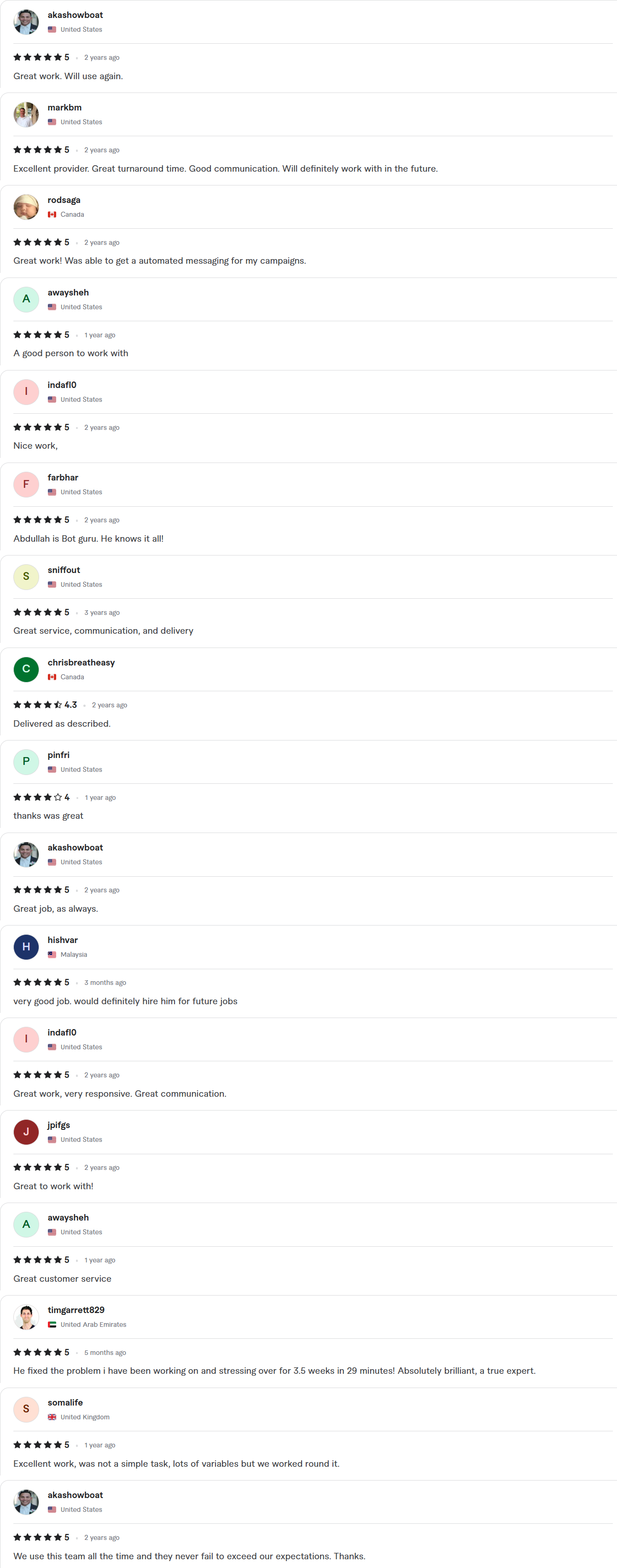
Client Reviews
5.0 average rating on Upwork and Fiverr
Answers, before you book.
Quick answers to the questions we hear most about invoice and accounting automation.
Which accounting tools do you work with?
QuickBooks, Xero and others with an API, plus Stripe and PayPal for payments. If your tool has an API or an import format, we can usually connect it.
Will invoices go out without anyone checking?
Only if you choose that. Many teams start with drafts that a person approves, then switch routine invoices to automatic once the rules have proved themselves.
How fast can you ship?
Starter builds take 7–10 days, Growth builds 14 days and Enterprise builds about 30. The exact timeline is written into your fixed-scope quote, which arrives within 24 hours of your call.
Whose account is the work done in?
Yours. We work inside your own accounts with delegated access, and credentials stay in your workspace. You get a full handover, with documentation and a Loom walkthrough, when the project closes.
Do you replace our accountant or bookkeeper?
No. The workflow removes the copying and matching, and your accountant stays responsible for the books, the tax and the decisions.