Custom Automation Development
Automation shaped to the way your team really works.
When ready-made connectors do not fit your process, we design and build the workflow around it: the right platform, AI where it helps, and monitoring after launch.
Why Choose GetAIChatBots for Custom Automation Development
Some processes do not fit a template: odd approvals, several systems that hold the same record, rules that only your team knows. GetAIChatBots designs custom automation around the process as it really runs. We choose the platform that fits, whether that is n8n, Make, Zapier or a small piece of code, build in staging, add AI steps where they save time, and monitor the result after launch.
The process does not fit the tool.
Ready-made connectors cover the common cases, but your process has exceptions, approvals and data that sit in several places. People fill the gaps by hand, and every handoff is a chance for something to slip. Nobody has written down how the work actually flows. We start by writing the process down, because a workflow you cannot describe is a workflow you cannot test.
- Exceptions that need a person every time
- The same data typed into several systems
- A process only one person fully understands
Three steps from process to production.
Map the process
We sit with the people who do the work and map every step, exception and system involved.
A short call and a walk through the current process show where time is lost and which parts are safe to automate. We note the data, the owners and the rules that decide what happens next.
- Steps, exceptions and owners written down
- Systems and data sources listed
- Jobs ranked by hours saved and risk
Build and test
We build the workflow in staging with real sample data, including the awkward cases.
Each piece is tested on purpose with missing fields, duplicates and failed calls. AI steps are added only where they help, with a person approving anything customer-facing.
- Error handling and retries on risky steps
- Tested with real sample records
- A review session before go-live
Launch and hand over
The workflow goes live with alerts, logs and written documentation your team can follow.
After launch we watch the first runs closely and fix anything that behaves differently from the plan. Your team gets a short walkthrough and a written handover.
- Failure alerts to Slack, Teams or email
- Run logs to review
- Documentation and a Loom walkthrough
What we build as custom automation.
Multi-system workflows around your process
Records, approvals and notifications move between the tools your team already uses.
- CRM, forms, email and calendar
- Approvals with clear owners
- Notifications to the right person
Data sync between systems that do not talk
We connect tools with APIs or webhooks so each record lives in one place and stays current.
- Two-way sync where needed
- Duplicate and conflict handling
- Clean field mapping
AI steps for reading, sorting and drafting
AI reads the messy parts and prepares first drafts, with a person approving what customers see.
- Sort and tag incoming messages
- Summaries of long documents
- Draft replies waiting for approval
Scheduled jobs and reports
Recurring tasks and reports run on time without anyone remembering to start them.
- Daily and weekly runs
- Reports sent where the team looks
- Retries when a source is down
Small custom code where a connector is not enough
A short script handles the logic a visual builder cannot express, kept readable and commented.
- Data shaping and validation
- Calls to APIs without a ready-made app
- Commented for your team
Monitoring, alerts and a written handover
You always know what ran and what failed, and your team gets everything written down.
- Alerts that name the failing step
- Run history to review
- Handover document
Automations we build.
Four typical custom automations. Open our case studies to see real projects.
See what we have built.
Real projects, with the tools we used and the results.
Custom automation that keeps running when systems change
A custom workflow is only useful if it keeps working. We add error handling and retries, keep credentials in your own accounts, version the workflows and send failure alerts that name the failing step and the record involved. When a connected app changes or a source goes down, you hear about it straight away instead of weeks later, and the fix is a small change, not a rebuild.
Book a Call ↗When custom automation is the right choice, and when it is not.
Custom automation means we design the workflow around your process instead of bending your process to a connector. It takes more thought than a ready-made template, and it pays off when your process has exceptions, several systems or rules that only your team knows.
Choose custom automation when
Your process has exceptions, approvals or several systems, or a ready-made connector keeps almost fitting.
Choose something else when
A single connection between two apps is enough. A simple Zap or Make scenario is quicker, and we will say so honestly.
Works with your stack.
We build on n8n, Make, Zapier, Pabbly and Power Automate, and add code when a platform cannot do the job. Here is where each one fits.
Book a Call →Which platform fits your process?
A short, honest view. We build on all three, so we recommend the one that fits.
Built on a platform
A visual platform such as n8n, Make or Zapier carries the workflow.
- Quick to build and change
- Your team can read the steps
- Best for most business processes
Built with custom code
A small service or script carries the logic, with a platform around it.
- Full control of the logic
- Fits rules a builder cannot express
- Best for complex or high-volume work
Connects to the apps you already use.
Custom automations connect to the tools you already use, and any app with an API can be added.
Where custom automation fits best.
Custom automation pays off fastest where a process has many exceptions and several systems, such as real estate, healthcare, call centers and insurance.
Custom automation built around how your team works.
Choosing a custom automation partner comes down to trust: will the workflow still run next quarter, and will your team understand it? We work remotely with teams across the United States and worldwide, from our Austin, TX and Pakistan offices.
Process before platform
We map the work with the people who do it, then choose the platform that fits.
Built for your team to own
Clear names, simple logic, written documentation and a Loom walkthrough, in your own accounts.
Monitored after launch
Alerts reach Slack or Teams, retries cover short outages, and a monthly support plan is available.
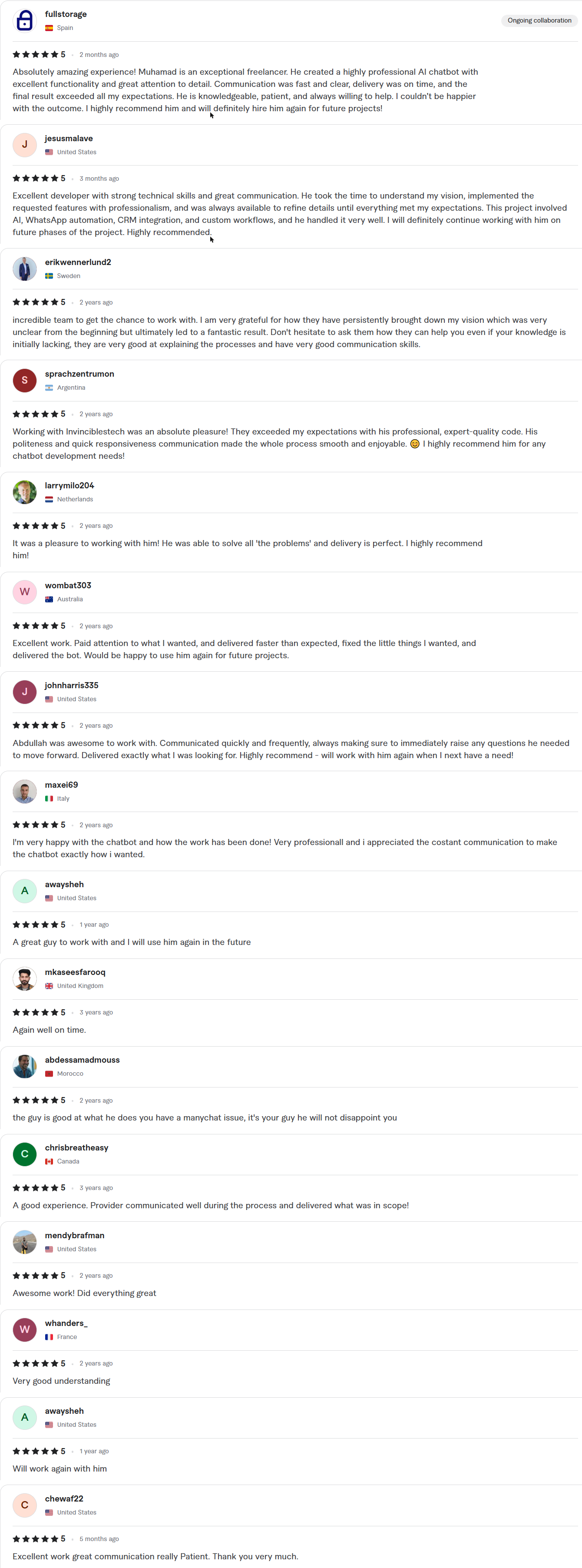
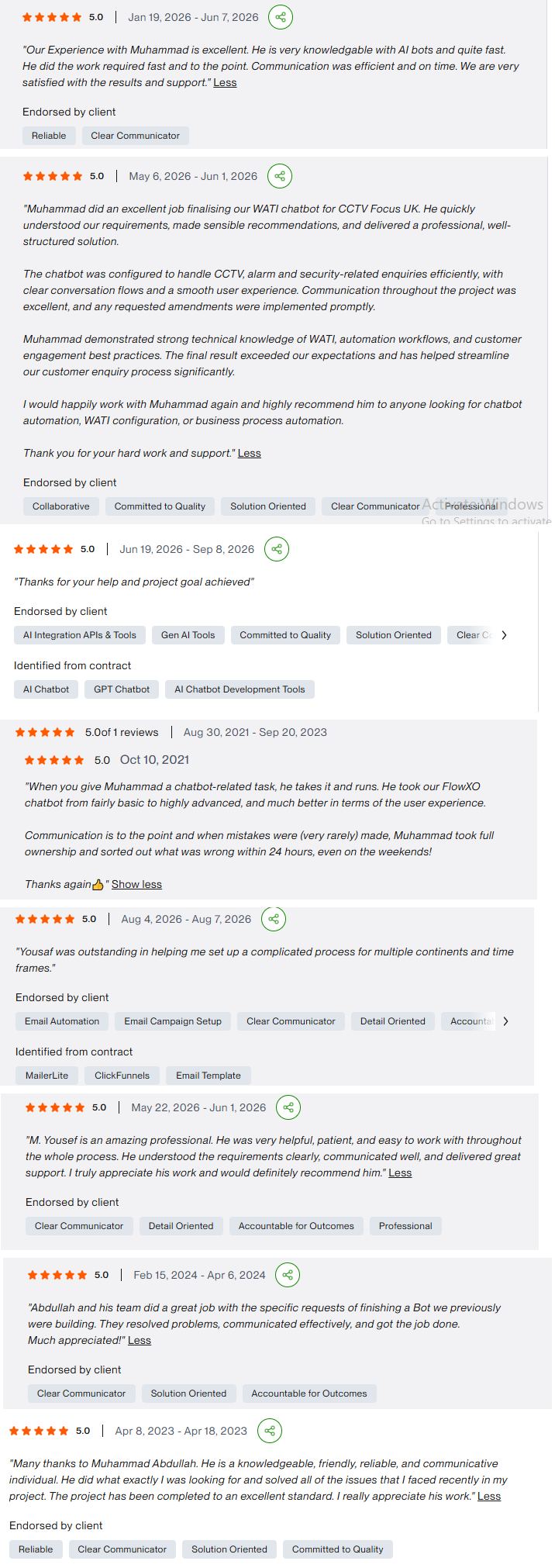
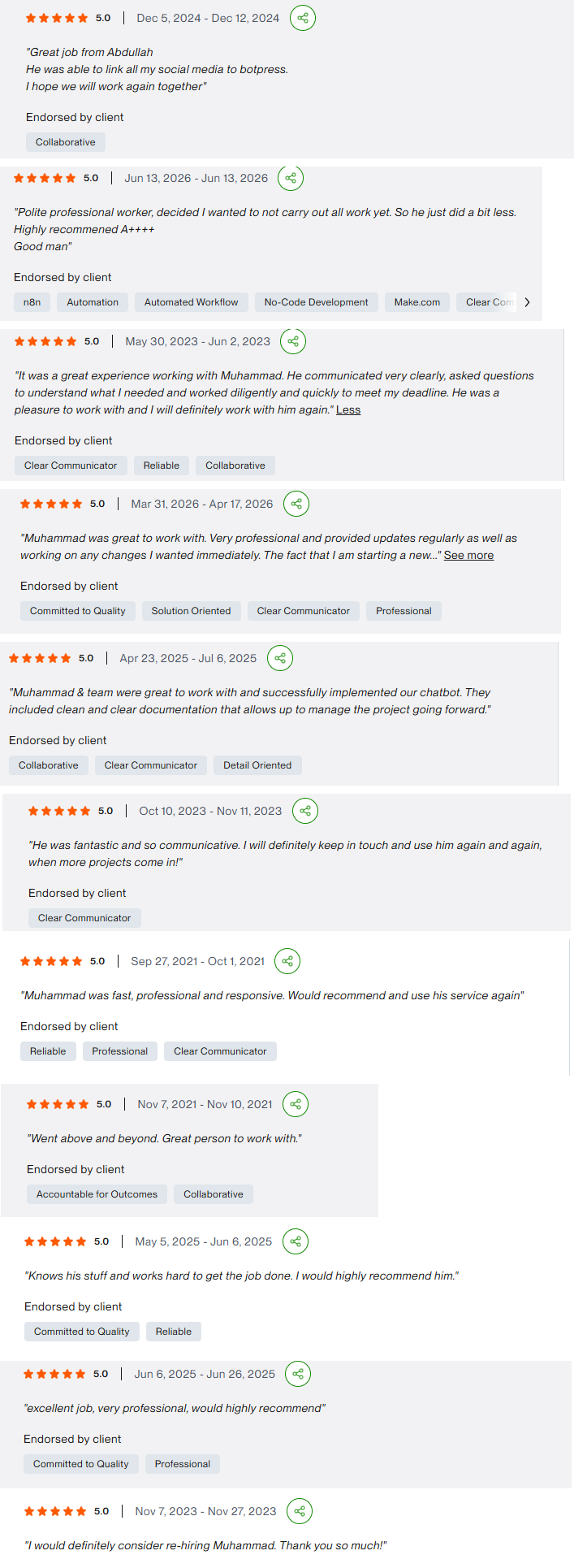
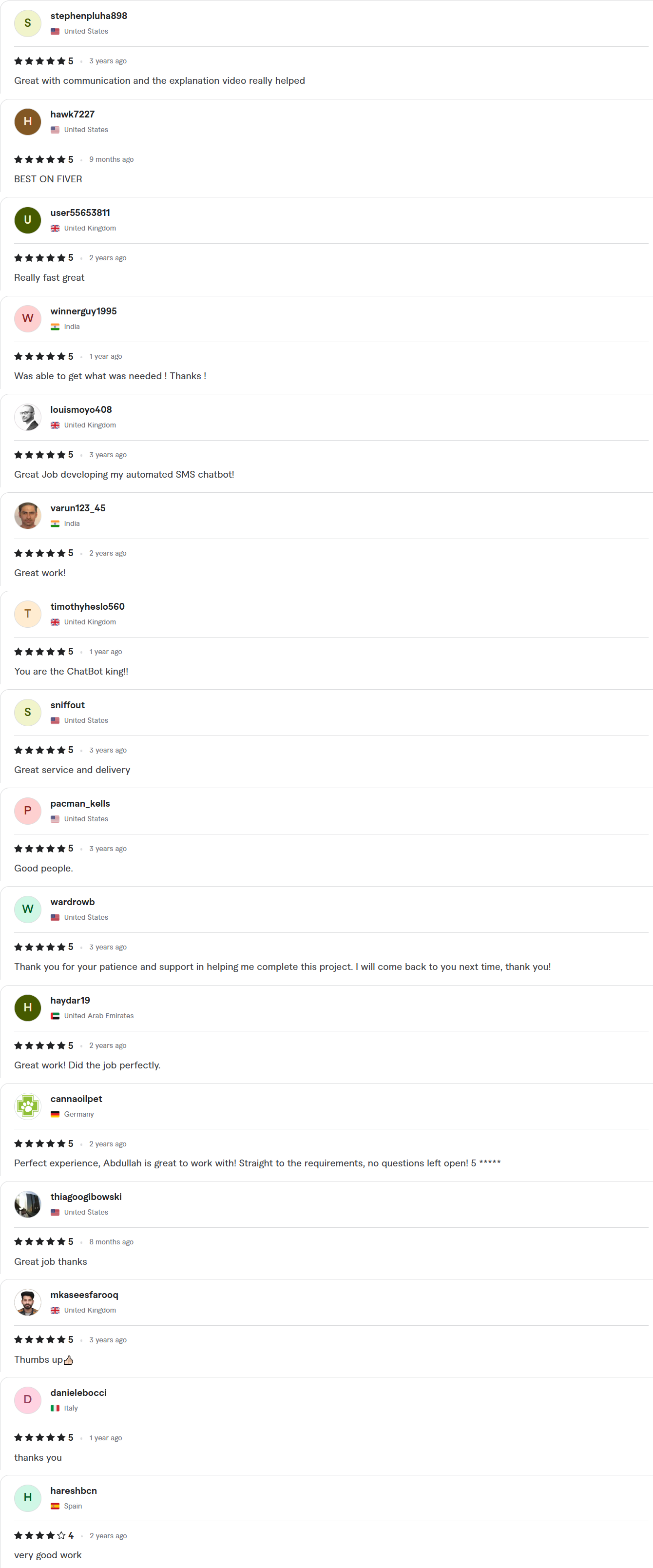
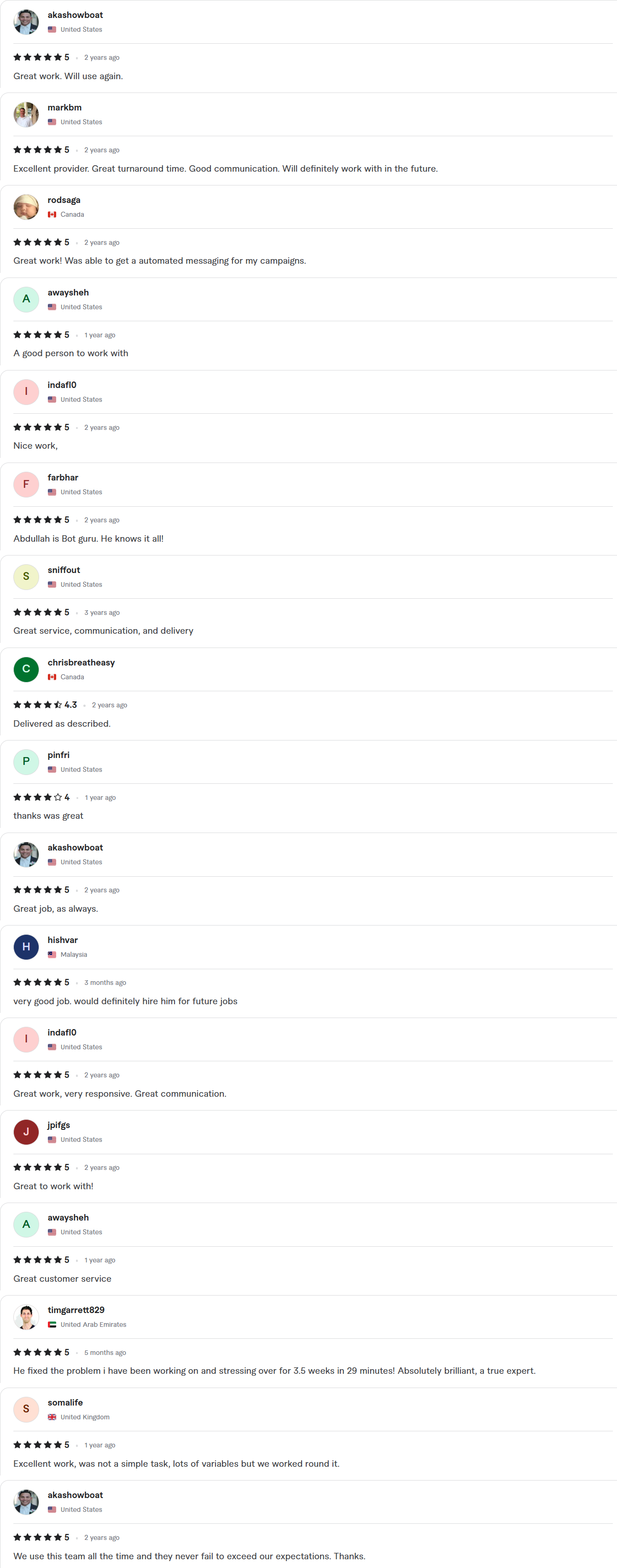
Client Reviews
5.0 average rating on Upwork and Fiverr
Answers, before you book.
Quick answers to the questions we hear most about custom automation.
What counts as custom automation?
Any workflow built around your own process: several systems, approvals, exceptions or rules that a ready-made template cannot handle. It can run on n8n, Make, Zapier or a small amount of code.
How fast can you ship?
Starter builds take 7–10 days, Growth builds 14 days and Enterprise builds about 30. The exact timeline is written into your fixed-scope quote, which arrives within 24 hours of your call.
Whose account is the work done in?
Yours. We work inside your own accounts with delegated access, and credentials stay in your workspace. You get a full handover, with documentation and a Loom walkthrough, when the project closes.
Which platform will you use?
The one that fits the process, your team and your budget. We build on n8n, Make, Zapier, Pabbly and Power Automate, and we tell you honestly if a simpler tool is enough.
Can you fix or extend an automation someone else built?
Yes. We review what is there, note what is fragile, and either repair it or rebuild the weak parts, with documentation so the next person can follow it.